







001
Maximize Your FPS
Activate system-wide tweaks
to unlock higher frames and
eliminate stutters
Boost your PC & In-Game FPS with a click.
Optimizer software & FPS booster, no lag, just max performance.
Also Available On
 STORE
STORE Trusted and recognized by teams at
Your PC has to focus on many things and multitask to keep up with you.


















Backed by rigorously tested computer optimization software methods, Hone streamlines your system for over 100,000 titles without manual effort.
Free plan includes 10 one-click optimizations, plus 1 extra optimization per referral up to 15 total.
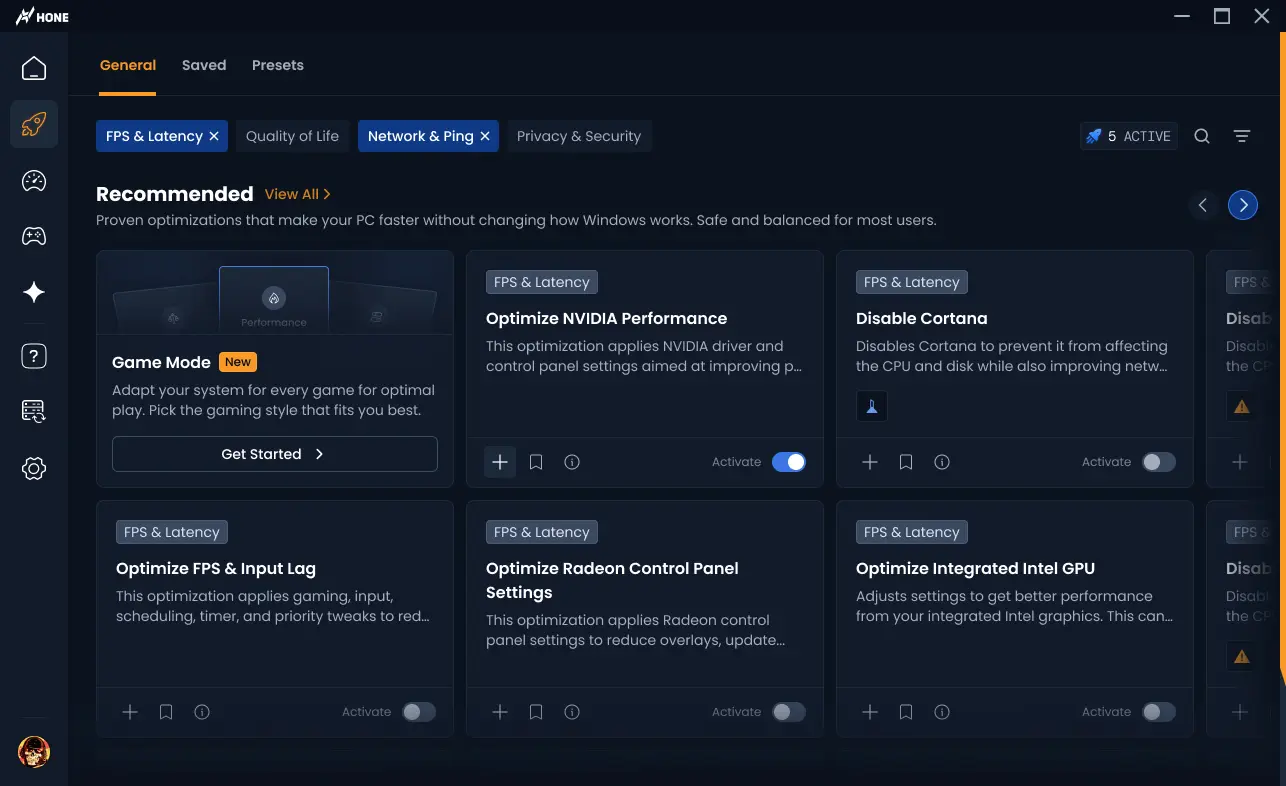
[ with hone you get ]
Activate system-wide tweaks
to unlock higher frames and
eliminate stutters
Shave off system-level delays so
your mouse and keyboard
feel instant
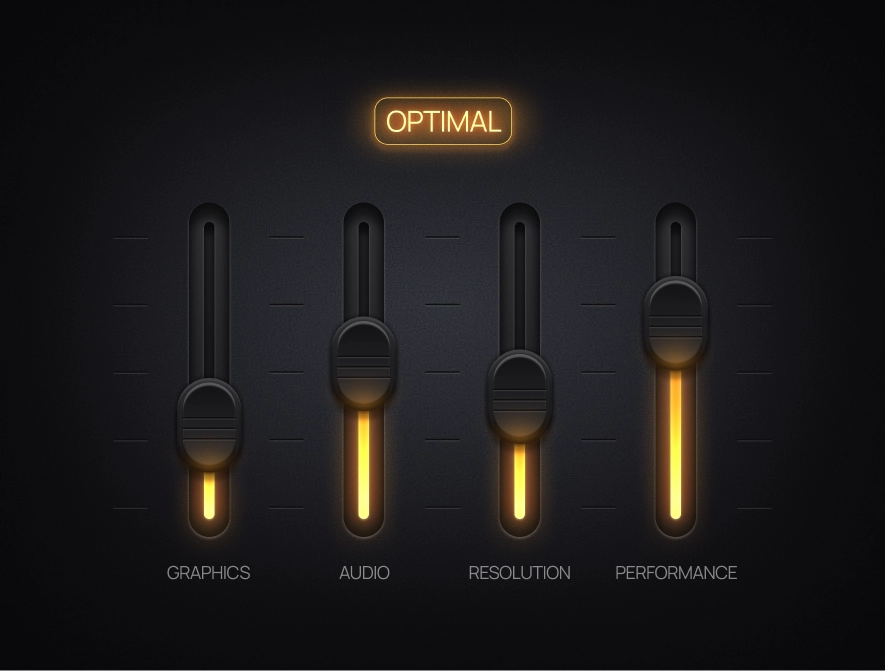
Activate pro-tested settings
for maximum FPS and
visual clarity
Remove hidden telemetry
and background apps
for a faster OS
Suspend background tasks
to dedicate full power to
your hardware
Activate custom tweaks on launch
and revert to desktop
mode instantly
Spot bottlenecks with
real-time hardware
tracking
Locate massive hidden
files with a visual
analyzer





and 100,000+ more...
Hone is your all-in-one PC optimizer plus download solution—combining system booster, PC optimizers, and game boosting in a single app. Whether you’re seeking a free game booster to reduce lag or a premium FPS booster for PC with pro settings, Hone adapts your Windows PC for gaming with expertly engineered optimizations.
Hone’s FPS optimizer adjusts game and BIOS settings to maximize frames per second.
“Improved my end-game in Fortnite with up to 45% FPS increase and reduced the input lag.”
Stop hidden background processes, minimize network lag, and enjoy uninterrupted gameplay with the best possible ping.
“Improved my end-game in Fortnite with up to 45% FPS increase and reduced the input lag.”

Hone ensures better and faster gaming performance, eliminating background issues with one-click optimizations.
“Well, thanks to my good friends at Hone.GG, my game is fully optimized, which I need in order to hang.”
Apply powerful PC optimizations and frame rate booster tweaks across all titles for optimal performance.
“One of my favorites is the gaming optimization toggle. It instantly applies the best settings for smoother gameplay.”
We’re all gamers, and we know how much everyone loves their PCs, so we’re always here to answer your questions.
“Improved my end-game in Fortnite with up to 45% FPS increase and reduced the input lag.”
We’re always improving Hone’s software and continually shipping new advanced features and optimizations to ensure your gaming rig stays cutting-edge.
“Improved my end-game in Fortnite with up to 45% FPS increase and reduced the input lag.”


“Well, thanks to my good friends at Hone.GG, my game is fully optimized, which I need in order to hang.”
Higgs
Fortnite Player for XSET
“Improved my end-game in Fortnite with up to 45% FPS increase and reduced the input lag.”
Eomzo

Fortnite Player for Elite Esports
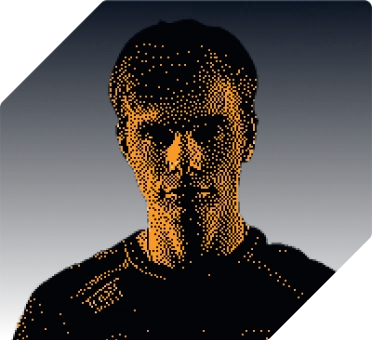
“Hone has absolutely changed the way I thought about pc optimization. Crazy how much difference a single application can make.”
Marrentm

Professional Fortnite Creator
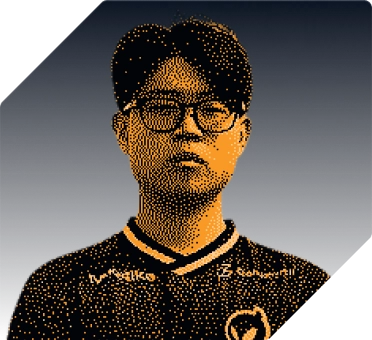
“One of my favorites is the gaming optimization toggle. It instantly applies the best settings for smoother gameplay.”
Khanada

Fortnite Player for Dignitas
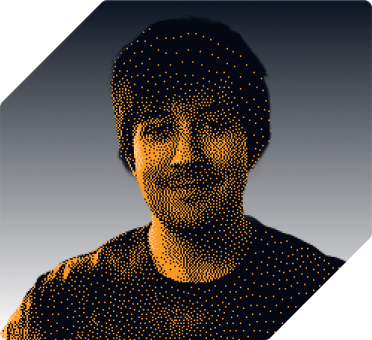
“The input on my mouse feels so direct, my aim is so much better and my FPS is really good, it feels so smooth.”
NotroDan
Content Creator
“Well, thanks to my good friends at Hone.GG, my game is fully optimized, which I need in order to hang.”
Higgs
Fortnite Player for XSET
“Improved my end-game in Fortnite with up to 45% FPS increase and reduced the input lag.”
Eomzo
Fortnite Player for Elite Esports
“Hone has absolutely changed the way I thought about pc optimization. Crazy how much difference a single application can make.”
Marrentm
Professional Fortnite Creator
“One of my favorites is the gaming optimization toggle. It instantly applies the best settings for smoother gameplay.”
Khanada
Fortnite Player for Dignitas
“The input on my mouse feels so direct, my aim is so much better and my FPS is really good, it feels so smooth.”
NotroDan
Content Creator
“Well, thanks to my good friends at Hone.GG, my game is fully optimized, which I need in order to hang.”
Higgs
Fortnite Player for XSET
“Improved my end-game in Fortnite with up to 45% FPS increase and reduced the input lag.”
Eomzo
Fortnite Player for Elite Esports
“Hone has absolutely changed the way I thought about pc optimization. Crazy how much difference a single application can make.”
Marrentm
Professional Fortnite Creator
“One of my favorites is the gaming optimization toggle. It instantly applies the best settings for smoother gameplay.”
Khanada
Fortnite Player for Dignitas
“The input on my mouse feels so direct, my aim is so much better and my FPS is really good, it feels so smooth.”
NotroDan
Content Creator
“Well, thanks to my good friends at Hone.GG, my game is fully optimized, which I need in order to hang.”
Higgs
Fortnite Player for XSET
“Improved my end-game in Fortnite with up to 45% FPS increase and reduced the input lag.”
Eomzo
Fortnite Player for Elite Esports
“Hone has absolutely changed the way I thought about pc optimization. Crazy how much difference a single application can make.”
Marrentm
Professional Fortnite Creator
“One of my favorites is the gaming optimization toggle. It instantly applies the best settings for smoother gameplay.”
Khanada
Fortnite Player for Dignitas
“The input on my mouse feels so direct, my aim is so much better and my FPS is really good, it feels so smooth.”
NotroDan
Content Creator
[ faq ]
Hone is advanced computer optimizer software that automatically adjusts Windows, GPU, and in-game settings to match the requirements of your games.
Hone applies performance-focused tweaks, removes unnecessary background load, and helps configure your PC so games can use more of your hardware.
Yes, Hone is used safely by over 2.5 million users and is available for download on the Epic Games Store and the Overwolf store, where we have undergone the developer verification and review processes required by these platforms. We assure you of Hone safety through rigorous testing, making sure all changes are fully revertible, which is why we have 1,500+ positive reviews on Trustpilot. Join over 2.5 million users safely optimizing their PCs for higher FPS.
Absolutely. Hone supports popular competitive games and system-wide optimizations across over 100,000 titles, so you can optimize your gaming PC no matter what you play.
Hone is built for Windows gaming PCs and is designed to help both new and older systems get more consistent performance.
Start by reducing unnecessary background work, optimizing graphics settings, and applying tested Windows tweaks. Hone brings these steps into one workflow, and you can enjoy 10 free optimizations plus 1 extra optimization per referral, up to 15 total.
They can when they target real bottlenecks. Hone focuses on practical system, game, and latency optimizations instead of one-size-fits-all promises.
If you have any other questions, please don't hesitate to reach out to us through our contact page or join our Discord Community to get in touch with our support team.