Phantom Blade Zero PC Requirements, Preload & Release Time
Check Phantom Blade Zero's PC requirements, preload and release times, SSD space, and launch checklist before you download.
In this article
Make room for at least 300 GB on an SSD before preloading Phantom Blade Zero. The game itself is listed at approximately 145 GB, but S-GAME says temporary files and complete game files coexist during unlocking. Clearing just enough room for the finished installation would leave you short of its preload guidance.
The announced PC preload begins October 26 at 7:00 PM PDT, with launch October 28 at 7:00 PM PDT. In UTC, those are October 27 and October 29 at 02:00. Get the drive and download ready first; detailed graphics optimization can wait until the retail options are available to judge.
Why the 145 GB game needs 300 GB free for preload
The two figures describe different stages. Approximately 145 GB is the installed size. At least 300 GB free is the publisher’s guidance for the preload and unlock process, when both temporary and complete files occupy the installation drive. S-GAME says usage drops to approximately 145 GB once that process finishes.
That’s an awkward amount of headroom to find, but it changes the preparation decision. Choose the SSD with room for the unlock process before starting the download, rather than choosing a nearly full drive because the final game appears to fit. Keep that space available through unlock, too.
Check the free space on the drive you intend to use, not the combined free space across your PC. For a simple comparison with the published guidance, a drive with 250 GB free is 50 GB short; one with 300 GB free meets that numerical threshold. It doesn’t establish hardware compatibility or promise room for every future patch. Disk tools can also report space using different units, so leave some breathing room rather than planning around the last displayed gigabyte.
If you’re unsure whether the chosen drive is an SSD, S-GAME’s instructions are straightforward: press Ctrl + Shift + Esc, open Task Manager → Performance, then select the relevant disk and check its type. Both published hardware tiers require an SSD.
The 145 GB figure also isn’t a measured compressed download size. It doesn’t tell you exactly how much data your connection will transfer or how long unlocking will take. The official preload announcement (opens in a new tab) is the useful place to check for a revised schedule or storage instruction.
Prepare the intended SSD
How much more room do you need?
Compare one drive's manually entered free space with S-GAME's at-least-300 GB preload guidance. An SSD is required.
Enter a decimal number from 0 to 100,000 GB, using a point. Use GB consistently; disk tools may display different units.
Enter the free space shown for your intended drive.
No entry yet. The blade scale runs from 0 to 300 GB; larger entries reach its end.
250 GB free → 50 GB short. Additional free space needed = max(0, 300 − free GB). At least 300 GB meets the numerical preload threshold.
Without JavaScript, use this formula with your drive's free space. The installed game is approximately 145 GB; that is a different figure from the preload guidance.
This tool cannot inspect your drive or confirm it is an SSD. It does not establish PC compatibility, measure performance or guarantee space for future patches. Keep room available through unlocking.
Phantom Blade Zero minimum and recommended PC requirements
The most consequential detail in the requirements chart is attached to the FPS targets: upscaling is enabled, with ray tracing and path tracing disabled. Keep those conditions beside the hardware when deciding what the list promises.
| Component | Minimum | Recommended |
|---|---|---|
| Operating system | Windows 10/11, 64-bit | Windows 10/11, 64-bit |
| Processor | Intel Core i7-8700K or AMD Ryzen 5 3600 | Intel Core i5-10600K or AMD Ryzen 5 5600X |
| Memory | 16 GB RAM | 16 GB RAM |
| NVIDIA GPU | GeForce GTX 1660, 6 GB | GeForce RTX 3060 Ti, 8 GB |
| AMD GPU | Radeon RX 5500 XT, 8 GB | Radeon RX 6700 XT, 12 GB |
| DirectX | Version 12 | Version 12 |
| Installation drive | SSD required | SSD required |
| Installed size | Approximately 145 GB | Approximately 145 GB |
| Free space before preload | At least 300 GB | At least 300 GB |
| Publisher target | 1080p / 30 FPS, upscaling enabled; ray tracing and path tracing disabled | 1440p / 60 FPS, upscaling enabled; ray tracing and path tracing disabled |
I’d use the recommended column to set expectations before considering the optional tracing targets. An RTX 3060 Ti appearing beside 1440p / 60 FPS doesn’t make that a native-resolution result, and the chart doesn’t name a graphics preset or upscaler quality mode. It gives you a published hardware target to compare with your system, rather than a ready-made settings profile.
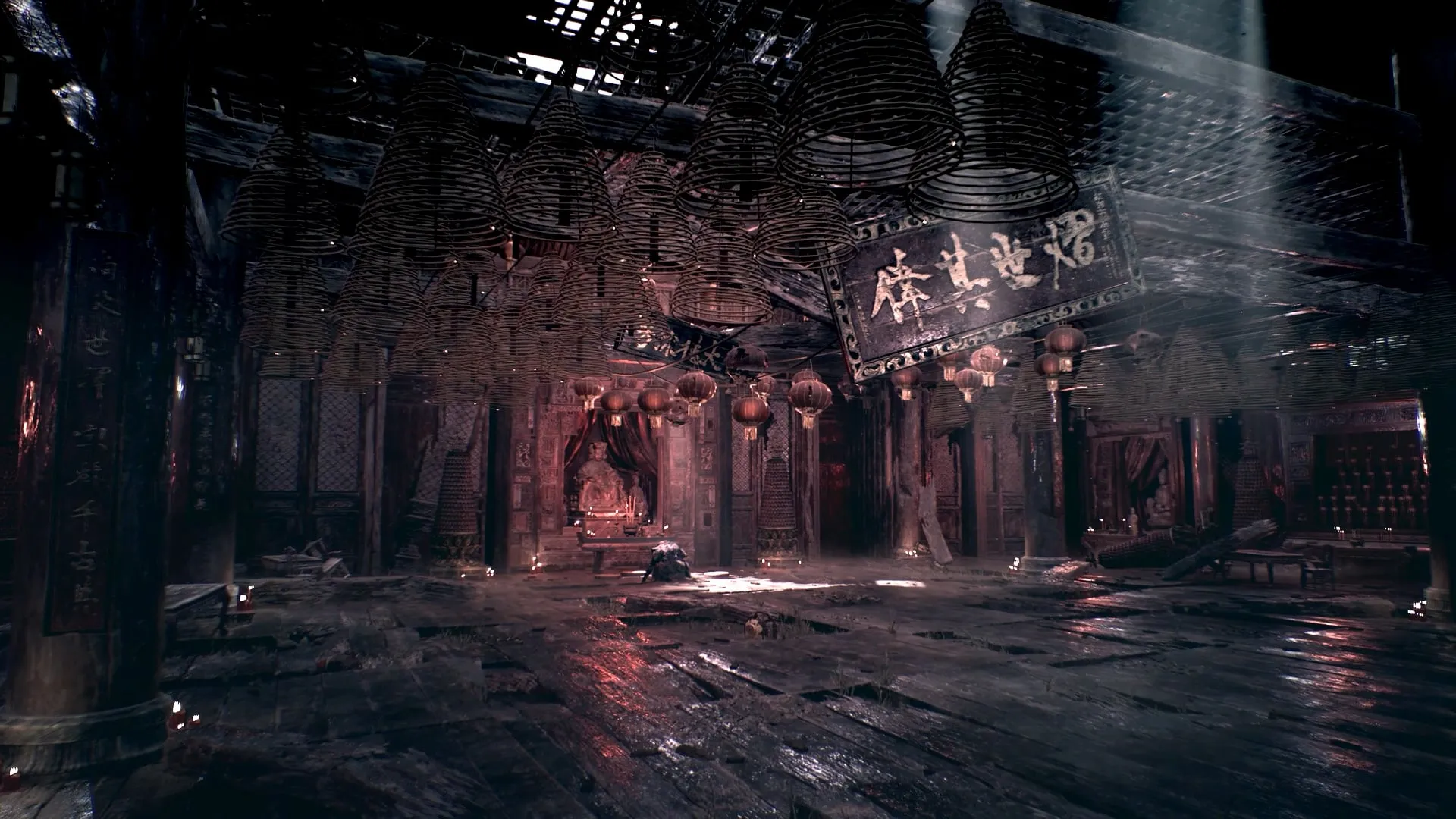
S-GAME pre-release screenshot. Platform and capture settings are unspecified. Image: S-GAME / Phantom Blade Zero.
Ray tracing and path tracing have separate GPU targets
S-GAME’s PC system requirements page (opens in a new tab) also lists an RTX 5060 8 GB for ray tracing at 1080p / 60 FPS and an RTX 5080 16 GB for path tracing at 2160p / 60 FPS. Both targets use upscaling.
Those entries specify GPUs and resolution/FPS targets, without a complete accompanying CPU/RAM configuration, named preset or frame-generation state. Treat them as separate publisher targets. They aren’t enough to build a full tracing-ready PC specification or calculate how an unlisted card will perform.
PC preload and release times by region
The announced preload and launch are 48 hours apart. PDT is UTC−7 for these dates.
Two moments. One time zone.
Put launch on your local calendar.
Announced PC schedule: preload October 27, 2026 at 02:00 UTC; launch October 29 at 02:00 UTC. The two instants are 48 hours apart.
Selected time zone: UTC. All dates are in 2026.
All regional times (2026)
| Region | Preload begins | Game launches |
|---|---|---|
| UTC | Oct 27, 02:00 | Oct 29, 02:00 |
| US Pacific · PDT | Oct 26, 19:00 | Oct 28, 19:00 |
| US Eastern · EDT | Oct 26, 22:00 | Oct 28, 22:00 |
| London · GMT | Oct 27, 02:00 | Oct 29, 02:00 |
| Bangkok · ICT | Oct 27, 09:00 | Oct 29, 09:00 |
| Sydney · AEDT | Oct 27, 13:00 | Oct 29, 13:00 |
These convert the announced PC schedule, not live storefront availability. Separate Epic Games Store preload availability remains unconfirmed. Use the option offered by the client where you bought the game.
This explains why Steam displays October 28 while the official website displays October 29. The announced instant is October 28 in the US and already October 29 in the regions farther east listed above. You don’t need to pick one date and dismiss the other; use the time zone attached to your launch time.
For preload, open the client where you bought the game and use the option offered there. The publisher announcement addresses PC players generally. Separate Epic Games Store preload availability remains unconfirmed in the official material reviewed here, so don’t treat the general PC time as a guaranteed Epic preload entitlement. Equally, a missing confirmation doesn’t establish that Epic preload is unavailable.
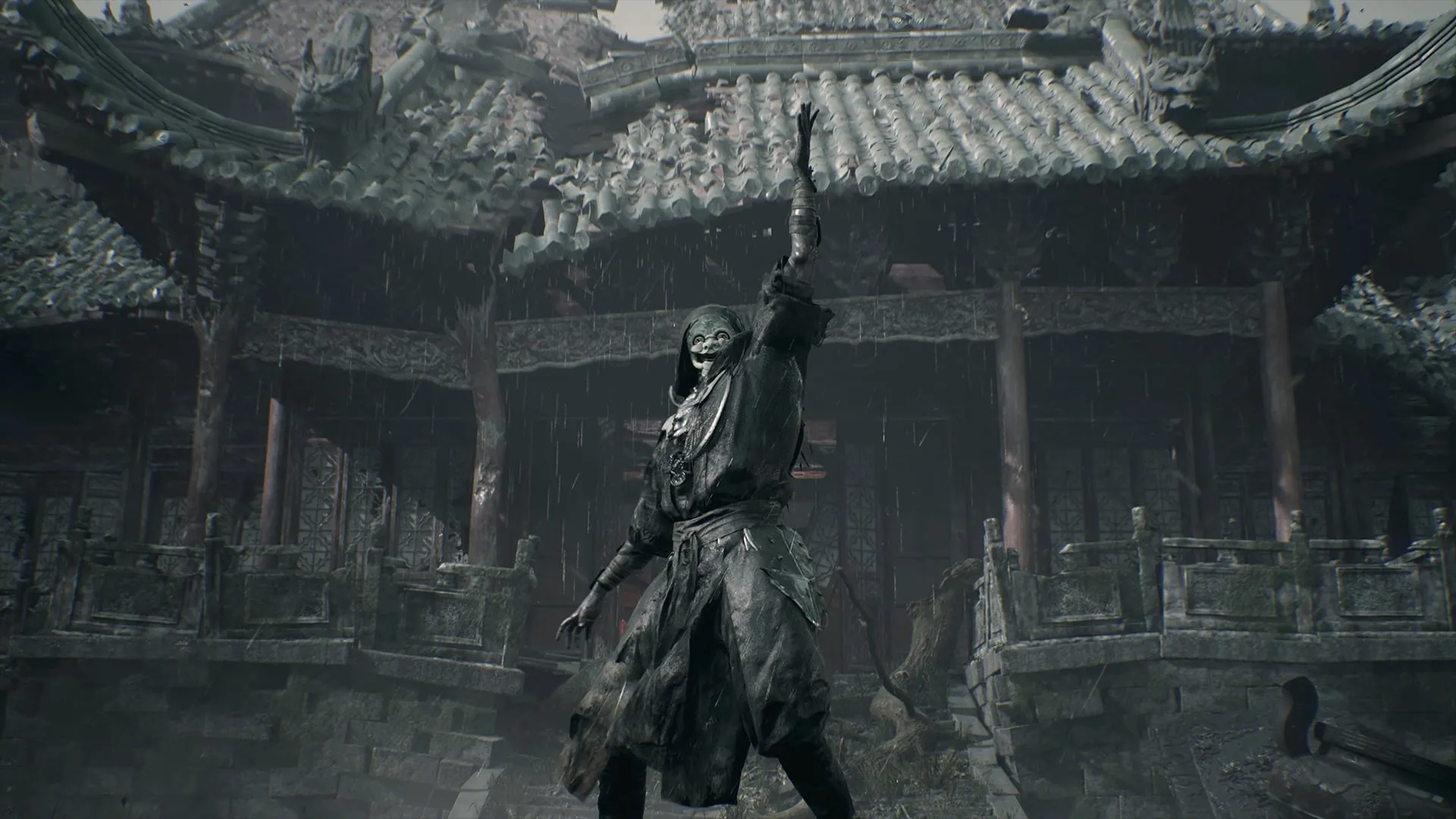
Publisher pre-release screenshot; build and platform unspecified. Image: S-GAME / Phantom Blade Zero.
Prepare the PC before the download finishes
Driver preparation is one job worth doing ahead of launch. In its October 25 instructions, S-GAME specifically recommends NVIDIA GeForce Game Ready Driver 621.01. For AMD cards, it directs players to the latest AMD Software: Adrenalin Edition driver and advises checking for a Phantom Blade Zero-optimized release if available. Use the GPU vendor’s official update channel and a driver compatible with your actual card; 621.01 is the publisher’s named recommendation, not a version to call the newest indefinitely.
Then finish the practical work:
- Open and update your purchased storefront’s client. Find Phantom Blade Zero in that library so you’re ready to use its preload or installation option.
- Confirm the intended SSD and its available space. Keep the publisher’s 300 GB preload guidance in view when choosing the destination.
- Leave room through unlocking. S-GAME’s temporary-file explanation applies during that process, so the completed download isn’t your cue to fill the drive again.
- Establish a first-session baseline before applying a batch of tweaks. Keep track of the setup you actually start with, then change one thing at a time if performance needs attention.
Save decisions about individual graphics options for the installed retail game, where you can judge what each change does to the picture and performance.
Frequently asked questions
How much storage does Phantom Blade Zero need on PC?
S-GAME lists approximately 145 GB for the installed game and asks for at least 300 GB free on the installation drive before preloading. Temporary files and complete game files coexist during unlocking. An SSD is required; the publisher says usage drops to approximately 145 GB after that process.
When does Phantom Blade Zero preload start?
The announced PC preload starts October 26, 2026, at 7:00 PM PDT, which is October 27 at 02:00 UTC. Use the preload option offered by the storefront where you bought the game. Separate Epic Games Store preload availability has not been confirmed in the official material reviewed here.
What time does Phantom Blade Zero release on PC?
S-GAME announces October 28, 2026, at 7:00 PM PDT, or October 29 at 02:00 UTC. That is October 28 in the US Pacific and Eastern time zones, and October 29 in London, Bangkok and Sydney.
Do the recommended PC requirements mean native 1440p at 60 FPS?
No. The publisher targets 1440p at 60 FPS with upscaling enabled and ray tracing and path tracing disabled. The listed GPUs are an RTX 3060 Ti 8 GB or RX 6700 XT 12 GB, alongside an i5-10600K or Ryzen 5 5600X and 16 GB RAM. This is a publisher target, not a Hone benchmark or a native-resolution guarantee.

Written by
Digital Marketing Manager
Keep reading