Star Wars: Galactic Racer PC Settings and FPS Guide
Choose a High or Medium starting point, tune resolution scaling, and understand Target Framerate and frame generation in Star Wars: Galactic Racer on PC.
In this article
Start with High on a capable PC, or Medium if performance is already constrained, and leave Frame Generation Off while you tune the base result. If the race falls short of your target, investigate resolution scaling before turning every quality control down. The point is to keep a track you can read at speed, with performance your PC can sustain.
High and Medium are our starting recommendations, not a Hone-tested optimum. We haven’t played or benchmarked Galactic Racer; this guide draws on PC menu captures, current publisher information and qualified third-party results, checked October 13, 2026. No setting below carries a promised FPS gain.
Before tuning, update the game and use any GPU driver required by its boot check. Let the official shader preparation finish after a required driver update.
A useful starting setup
Make your first comparison simple enough to interpret. Choose one quality starting point, keep your display resolution fixed, and use the same race section when judging changes.
| Choice | Starting recommendation |
|---|---|
| Quality Preset | High on capable hardware; try Medium when constrained |
| Frame Generation | Off for the initial comparison |
| Motion Blur | Off if you prefer less camera blur |
| Camera Shake | Off if you prefer a steadier camera |
| HUD Visibility | On for race information |
Blur and shake are preferences here. Switch them off because you want that presentation, rather than because an FPS guide tells you every Off toggle is a performance win. If you enjoy the effects, keep them. Neither choice has a measured performance or latency benefit in this guide.
For the larger quality decision, preserve detail until you have a reason to give it up. If High runs comfortably, spend your time racing. If it struggles, a resolution-scaling comparison gives you another compromise to consider before lowering the whole preset. Medium remains a sensible trial for a more constrained PC; it doesn’t certify that minimum-spec hardware will hit a particular frame rate.
Tune resolution without losing sight of the track
The Visuals menu separates Display Resolution, Resolution Quality and Resolution Scaling. The scaling tooltip names hardware-dependent DLSS, FSR and XeSS options, and warns that enabling one may disable other resolution settings. Check which controls remain available after your selection instead of trying to stack every slider and mode into one recipe.
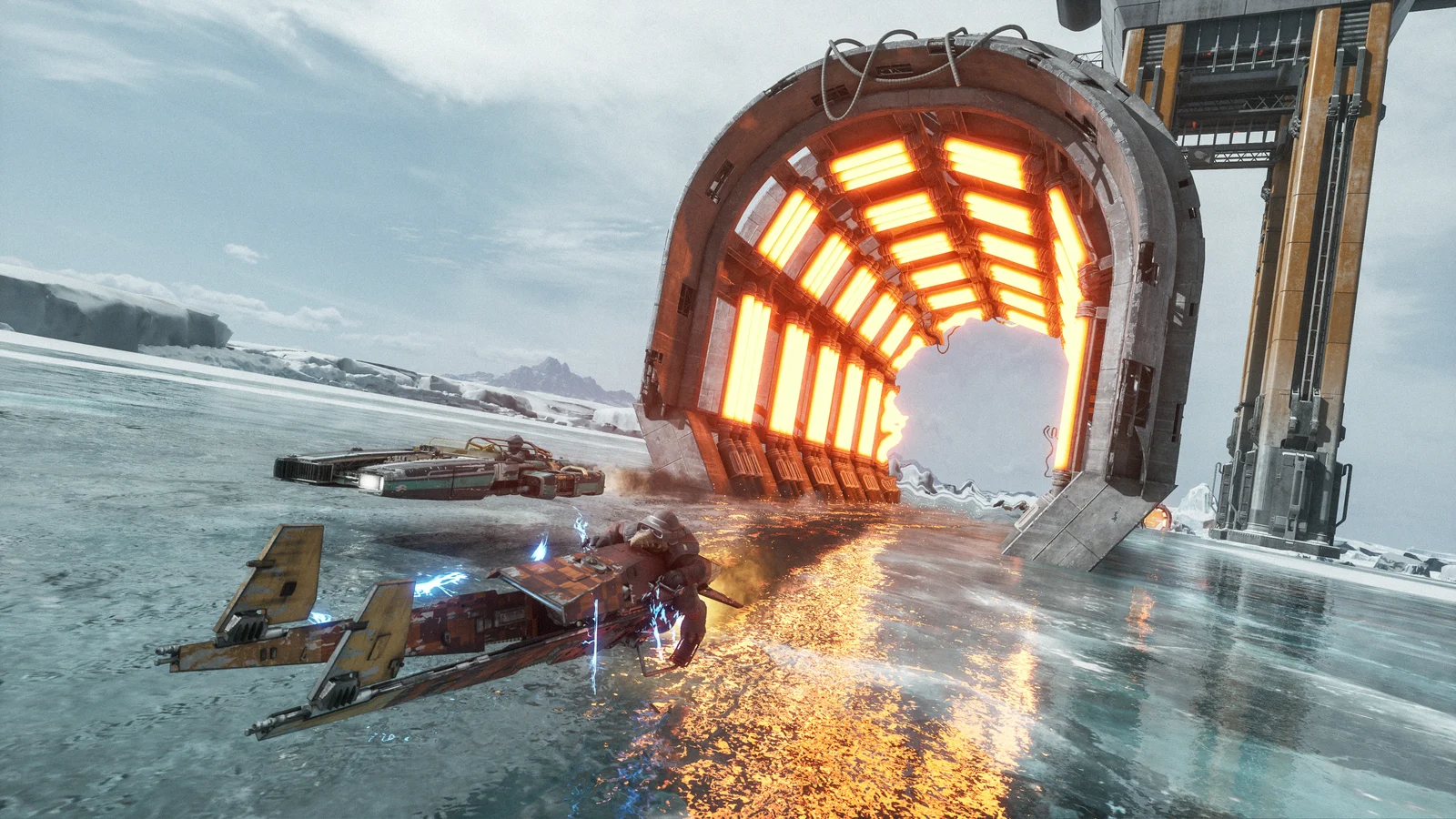
When GPU performance falls short, try a quality-oriented upscaler mode first if your available method offers one. Judge its picture during the race, including the scenery you use to place the craft on the course. A higher FPS count is a poor bargain if you find the changed picture harder to read. Move toward a more aggressive performance mode only when the earlier compromise still falls short and the resulting image works for you.
You can also investigate lower resolution quality or a lower display resolution where the menu allows it. Keep those as separate comparisons. Changing resolution, preset and scaling together leaves you with a result but little idea which compromise was worth making.
Target Framerate is an internal target
The game’s explanation deserves more attention than a universal “set it to 60” instruction. In Daniel Owen’s October 7 PC menu capture, Target Framerate is described as the target internal game frame rate. Dynamic Resolution Scaling tries to maintain that rate without exceeding it.
That makes the setting relevant to the balance between rendering resolution and the internal target. It does not mean dynamic resolution is guaranteed to hold the rate in every situation. Choose a target your base rendering can reasonably sustain in demanding race sections, then judge what happens to both the image and performance as the workload changes.
This explanation comes from the launch menu. It doesn’t establish how the current patched game limits generated output, and it gives us no fixed arithmetic linking the target to a frame-generation counter. Don’t divide your desired displayed FPS by two and assume the resulting menu value must be correct.
Get the base right before adding generated frames
Frame generation adds frames between game-rendered frames. Its output counter can therefore rise without each additional frame being a new game render. That distinction is why the initial comparison above leaves it off.
First find a base configuration you’re happy to race with. Then, if the feature is available on your hardware, try it as a separate choice and judge the moving picture alongside how play feels. Keep a note of whether generation is enabled whenever you compare FPS; a generated-output result and a result with generation off answer different questions.
Understand your comparison
Which frame concept are you looking at?
A conceptual explanation, not a Galactic Racer timing capture. These choices explain terms; they do not change game settings or predict FPS.
Establish the base result
Game-rendered frames
Start your comparison with Frame Generation Off. Assess the game-rendered result before additional generated frames are introduced.
Understand the output count
Additional generated frames
Frame generation adds frames between game-rendered frames. A larger generated-output count is not a one-for-one count of new game renders or an input-latency measurement.
Understand the internal target
Internal target
The October 7 launch menu describes an internal target that Dynamic Resolution Scaling tries to maintain without exceeding. It does not establish the current generated-output cap.
NVIDIA announced DLSS 4.5 support, including Dynamic Multi Frame Generation, second-generation Super Resolution and Ray Reconstruction for the game’s hardware Lumen lighting. That feature list isn’t a promise that every RTX card exposes every option. Use the choices actually available to your hardware. We have no Galactic Racer input-latency measurements to attach to them.
Native Epic results give context, not a forecast
DSOGaming’s October 12 analysis reports these native-resolution Epic results with scaling and generation off:
| Resolution | Graphics card | Average FPS | Minimum Framerate (1%) |
|---|---|---|---|
| 1920 × 1080 | RTX 2080 Ti | 64 | 56 |
| 2560 × 1440 | RTX 3080 | 55 | 45 |
| 3840 × 2160 | RTX 4090 | 69 | 54 |
Its rig used a Ryzen 9 7950X3D, 32 GB DDR5-6000, Windows 10 64-bit, GeForce 617.14 and Radeon 26.9.2. The author chose a demanding test area; these aren’t full-race averages. Run duration, repeats and the exact aggregation of the chart’s “Minimum Framerate (1%)” weren’t disclosed.
Compare in a race, then check the current patch
Use one reproducible race section for your own comparison:
- Note your resolution, quality preset, scaling method, target and frame-generation state.
- Change one decision, then repeat a comparable section of the same race. Judge the picture and performance together.
- Keep a useful change, or restore it before trying the next one.
DSOGaming reports that Run Benchmark chooses settings rather than timing performance. Assess the result in a race. Our FPS comparison guide (opens in a new tab) explains how to make a before-and-after result more useful.
Update the game before troubleshooting launch-day problems. The October 8 hotfix included DLSS stability fixes and raised the minimum graphics-driver requirements checked at boot; October 12 added general stability fixes. Use the GPU vendor’s driver required by the game rather than borrowing a version from someone else’s old profile.
After a required driver update, the October 8 notes say the next start will take longer while the shader cache rebuilds. Let that preparation finish. The notes don’t give an exact duration or promise to fix every hitch. Repeated cache deletion has no place in this starting setup.
Current Galactic Racer PC requirements
Steam lists both minimum and recommended hardware. Compare your CPU, memory and graphics card with the complete tier; meeting one row alone doesn’t establish the rest of the configuration.
| Component | Minimum | Recommended |
|---|---|---|
| Processor | Intel Core i5-8400 or AMD Ryzen 5 2600 | Intel Core i7-10700 or AMD Ryzen 7 3700X |
| Memory | 12 GB RAM | 16 GB RAM |
| Graphics: NVIDIA | RTX 2060 | GeForce RTX 3060 Ti |
| Graphics: Intel | Arc A580 | Arc B580 |
| Graphics: AMD | Radeon RX 5600 XT 6 GB | Radeon RX 6700 XT |
| Available storage | 50 GB | 50 GB |
| Drive | SSD required | SSD required |
The graphics rows are alternatives within each tier. Steam lists Windows 10 under minimum and requires a 64-bit processor and operating system; its recommended column does not add a separate operating-system target. Neither tier specifies an FPS or resolution target. Check the current Steam requirements (opens in a new tab) before installing or buying hardware around the game.
Once the in-game configuration works for you, keep it fixed if you compare Windows changes through Hone. Use the same race section so the next result helps you choose what to keep. The separate Windows Game Mode guide (opens in a new tab) covers that background-workload choice without treating it as a guaranteed Galactic Racer boost.
Frequently asked questions
What PC settings should I start with in Star Wars Galactic Racer?
Try High on a capable PC, or Medium when performance is constrained, and leave Frame Generation Off for the first comparison. These are editorial starting points, not a measured Hone preset or a guarantee of 60 FPS. If GPU performance falls short, investigate the available resolution-scaling choices before reducing every quality control.
What does Target Framerate do in Galactic Racer?
The launch PC menu captured on October 7 describes Target Framerate as an internal game-frame-rate target that Dynamic Resolution Scaling tries to maintain without exceeding. That description does not establish a current generated-output cap or a fixed ratio between the target and frame-generated FPS.
Should I enable frame generation in Galactic Racer?
Establish a useful base result with Frame Generation Off first, then try the feature if your hardware offers it. Generated-output FPS includes additional frames between game-rendered frames; it is not a one-for-one count of new game renders or a measurement of input latency.
Does Galactic Racer have recommended PC requirements?
Yes. The current Steam page lists an Intel Core i7-10700 or AMD Ryzen 7 3700X, 16 GB RAM, and an RTX 3060 Ti, Arc B580 or Radeon RX 6700 XT. It also lists 50 GB of available storage and requires an SSD. The requirements do not specify an FPS or resolution target.
Why can Galactic Racer take longer to start after a driver update?
The October 8 hotfix raised the graphics-driver requirements checked at boot. Its notes say that after a required driver update, the next start takes longer while the shader cache rebuilds. No exact wait duration or universal crash fix is promised.

Written by
Digital Marketing Manager
Keep reading