ARC machines can spike frame time
A large machine, nearby raiders, sparks, and broken cover can all demand work in one moment.
ARC Raiders FPS boost and PC optimization
ARC Raiders can shift from a calm search to a machine fight fast. Hone reduces extra Windows work so your PC has more room for those sudden changes.
You've heard from the pros. Here's what other players think.
01
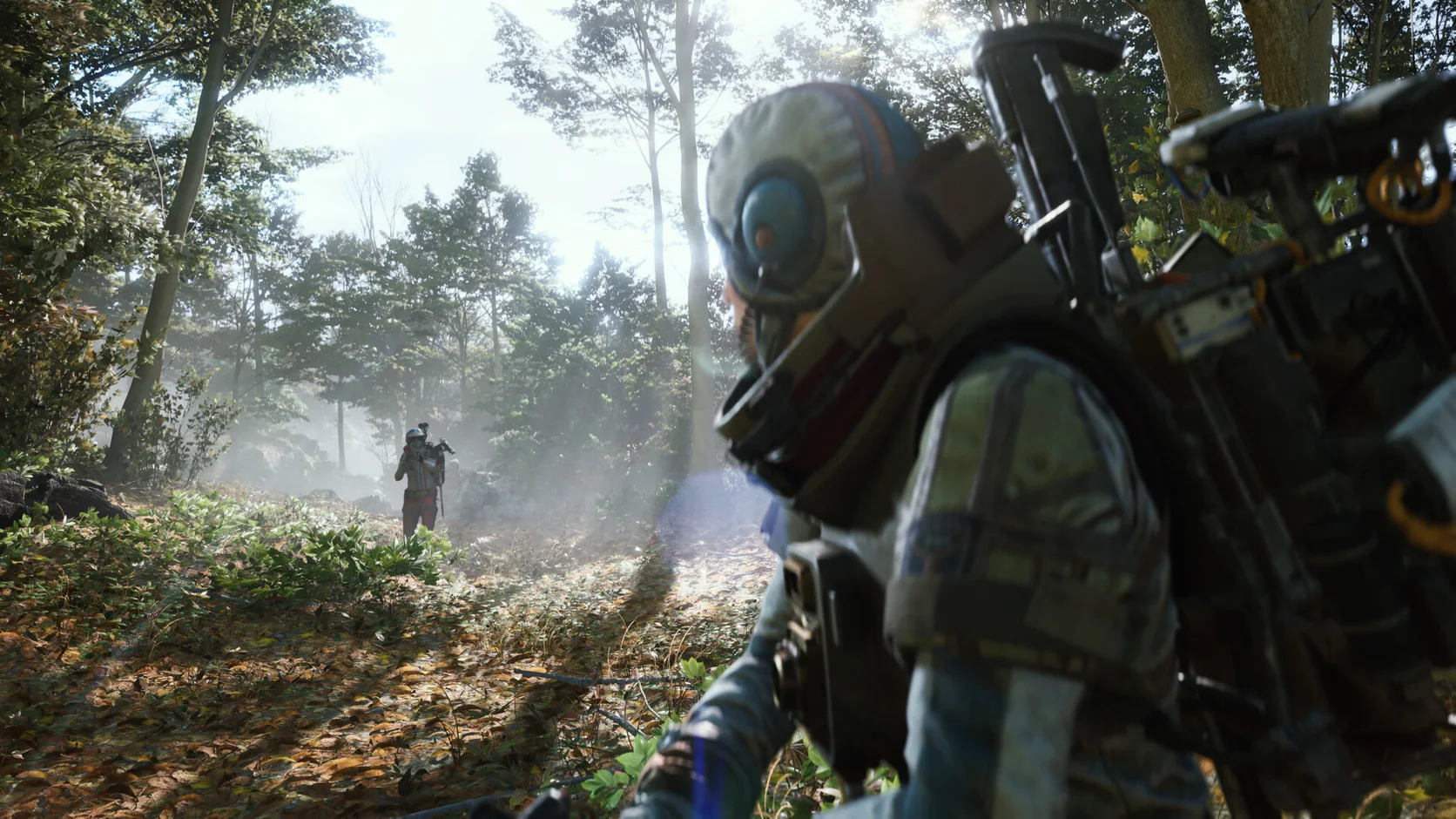
ARC Raiders mixes wide outdoor views with close fights and large machines. A weak CPU, full graphics memory, slow storage, or open apps can make those shifts feel rough.
A large machine, nearby raiders, sparks, and broken cover can all demand work in one moment.
Wide zones keep terrain, distant objects, shadows, and moving targets in view.
A game or driver update can rebuild shader data, so the first trip through an area may feel less smooth.
Video tabs, launchers, recording tools, and overlays may use the same CPU and memory the raid needs.
02
Start with Windows load, then test the ARC Raiders options tied to big views and effects. This keeps the work focused on real limits instead of one low preset.
Pause work you do not need so ARC Raiders can use more CPU time and memory.
Choose the supported power and system settings that fit this PC, then keep a record of them.
Try shadows, effects, view distance, and upscaling one group at a time.
Read each Hone change before you apply it and restore supported settings that do not help.
03
Hone changes supported Windows settings only. ARC Raiders code, live memory, controls, and traffic stay outside that work.
Hone does not inject into ARC Raiders or read and change live game memory.
Hone adds no aim help, raid scripts, macros, bots, or automated controls.
Hone does not hide itself or try to pass around the game security system.
A far server, weak Wi-Fi, packet loss, or a poor ISP route remains outside Hone.
04
Use the same area, gear, and graphics preset before and after Hone. A short repeatable route tells you more than a peak FPS number.
No fixed FPS promise. Results depend on your hardware, game build, drivers, heat, settings, and background apps.
Pick a path with an open view and a fight. Write down FPS, frame spikes, the preset, and open apps.
Read the list, select the changes you want, and restart the PC when the app asks.
Keep the preset and open apps the same. Keep clear gains and undo supported changes that add no value.
Begin with shadows, effects, view distance, and upscaling. Test each group on an open raid route instead of lowering the full preset.
Close capture tools and busy browser tabs. Check heat and driver status, then test lower effects on the same route. A fresh update may also rebuild shaders.
An update can rebuild shaders or reset a preset. Restart, confirm the graphics menu, and repeat one known route before changing more.
Hone may reduce Windows load that feels like lag. It cannot repair an ARC Raiders server, lost packets, weak Wi-Fi, or your ISP path.
Hone works outside the game. It does not inject into ARC Raiders, edit live memory, change packets, add cheats, or bypass anti-cheat. Hone is not made or approved by Embark Studios.
Yes. Use the free plan to test a limited set of PC changes with ARC Raiders before you choose Premium.