Vehicles and destruction hit together
Players, vehicles, breakable cover, smoke, and physics can compete for CPU time in the same push.
Delta Force FPS boost and PC optimization
Destruction, smoke, and busy team fights can push your PC hard. Hone cuts avoidable Windows load so more of your system stays ready for Delta Force.
You've heard from the pros. Here's what other players think.
01
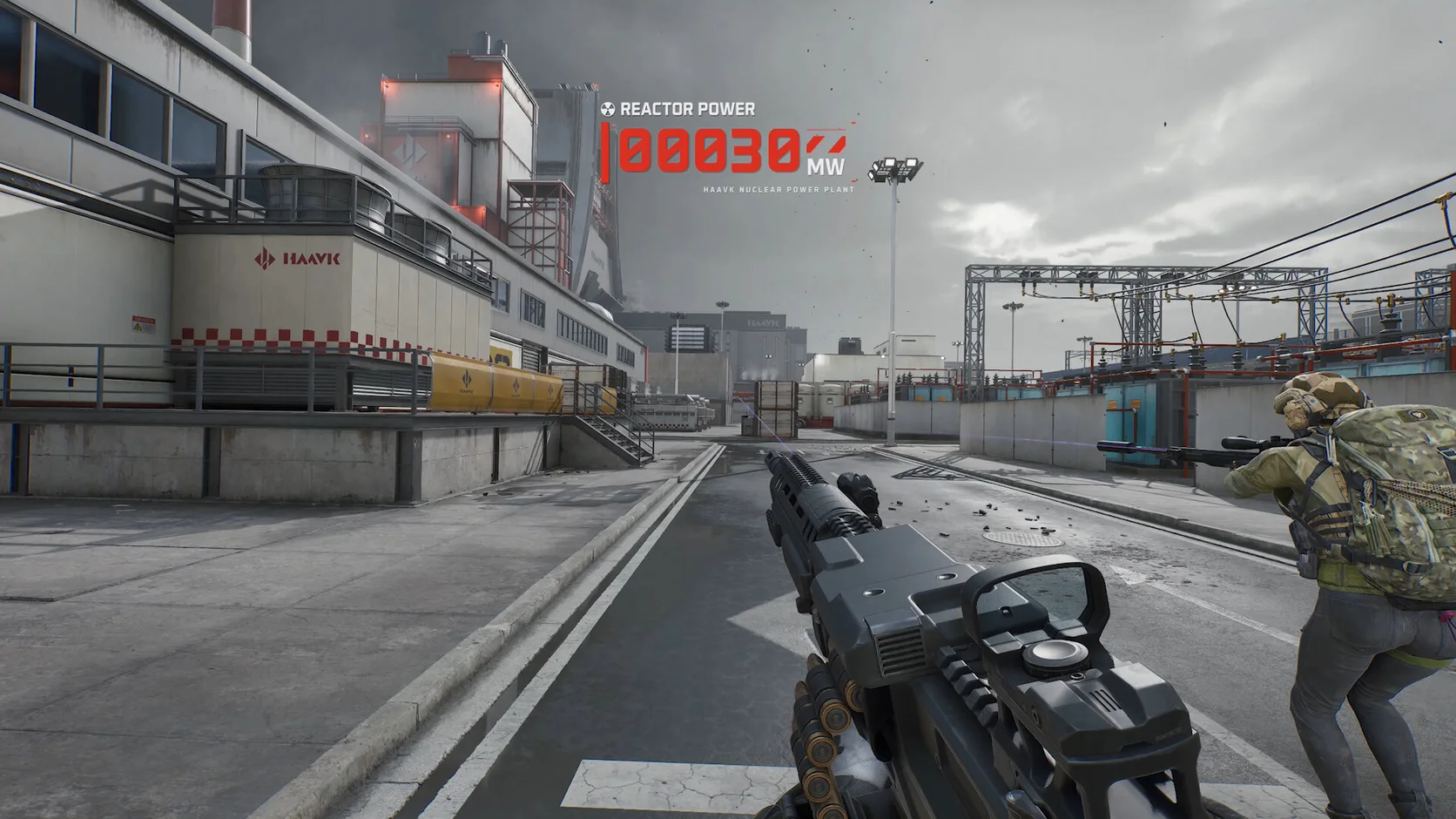
A quiet area can suddenly turn into a large fight. Players, vehicles, smoke, debris, and map damage can raise CPU and graphics load at once.
Players, vehicles, breakable cover, smoke, and physics can compete for CPU time in the same push.
Shadows, effects, lighting, and render scale may look fine until a crowded fight starts.
A game patch or graphics driver can change shader work, settings, or frame times.
Browsers, launchers, overlays, clips, and downloads can use CPU time, memory, or disk access.
02
Start with one repeatable Warfare or Operations scene. Hone can reduce PC-side load while you test the settings that cost the most on your hardware.
Close extra browsers, launchers, and recorders before a large push starts.
Review gaming, power, and system changes that may help frame time and input response.
Compare shadows, effects, weapon depth of field, reflections, and upscaling in the same firefight.
Warfare and Operations load the PC in different ways. Repeat one route before you judge a change.
03
Hone works through supported Windows settings. It stays outside Delta Force and leaves live game code, memory, inputs, and network packets alone.
Hone does not inject into Delta Force or read and change live game memory.
Hone does not add aim tools, scripts, macros, bots, or features that play for you.
Hone does not hide software or try to get around game security tools.
Hone cannot fix a distant server, weak Wi-Fi, packet loss, or a bad ISP route.
04
Every PC responds in its own way. Run one short test before and after Hone so you can keep only the changes that help.
No fixed FPS promise. Results depend on your hardware, game build, drivers, heat, settings, and background apps.
Pick one repeatable match or practice test. Note FPS, frame spikes, graphics settings, and open apps.
Review each change, apply the ones you want, and restart if Hone asks you to.
Keep the same settings and scene when you can. Keep gains you can see and restore changes that do not help.
Start with shadows, effects, lighting, and render scale. Change one group at a time, then test a busy fight. Keep textures clear if your graphics memory has room.
Close heavy apps, keep drivers current, and test shadows, effects, reflections, and upscaling in the same mode. Hone can reduce avoidable Windows-side load.
A large fight can add players, vehicles, smoke, explosions, and new map detail at once. Full memory or open background apps can make frame times less steady too.
The problem may be frame time, not ping. Watch FPS and network stats. If FPS drops while ping stays steady, test lower effects and less background load.
A patch may reset options or change shader work. Check your preset, restart the PC, and repeat the same test before making more changes.
Old launch commands can stop working or cause trouble after an update. Start with current in-game settings and only keep a command you understand and can test.
Yes. The current Delta Force multiplayer game is free to play on Steam.
No. Both the minimum and recommended PC requirements list 64-bit Windows 10.
Steam lists Windows 10, 8 GB RAM, DirectX 12, 88 GB of storage, a Core i3-4150 or FX-6300, and a GTX 660, HD 7870, or Arc A380.
Steam lists Windows 10, 16 GB RAM, DirectX 12, 88 GB of storage, a Core i5-6500 or Ryzen 5 1500X, and a GTX 1060 5G, RX 5500 XT, or Arc A580.
Yes. The official minimum and recommended PC requirements both list DirectX 12.
Hone works outside the game. It does not inject, edit live memory, automate input, change game files, or bypass Anti-Cheat Expert. Hone is not made or approved by Team Jade or TiMi Studio Group.
Yes. The free plan lets you try several PC optimizations before you upgrade.