Stadium detail adds work
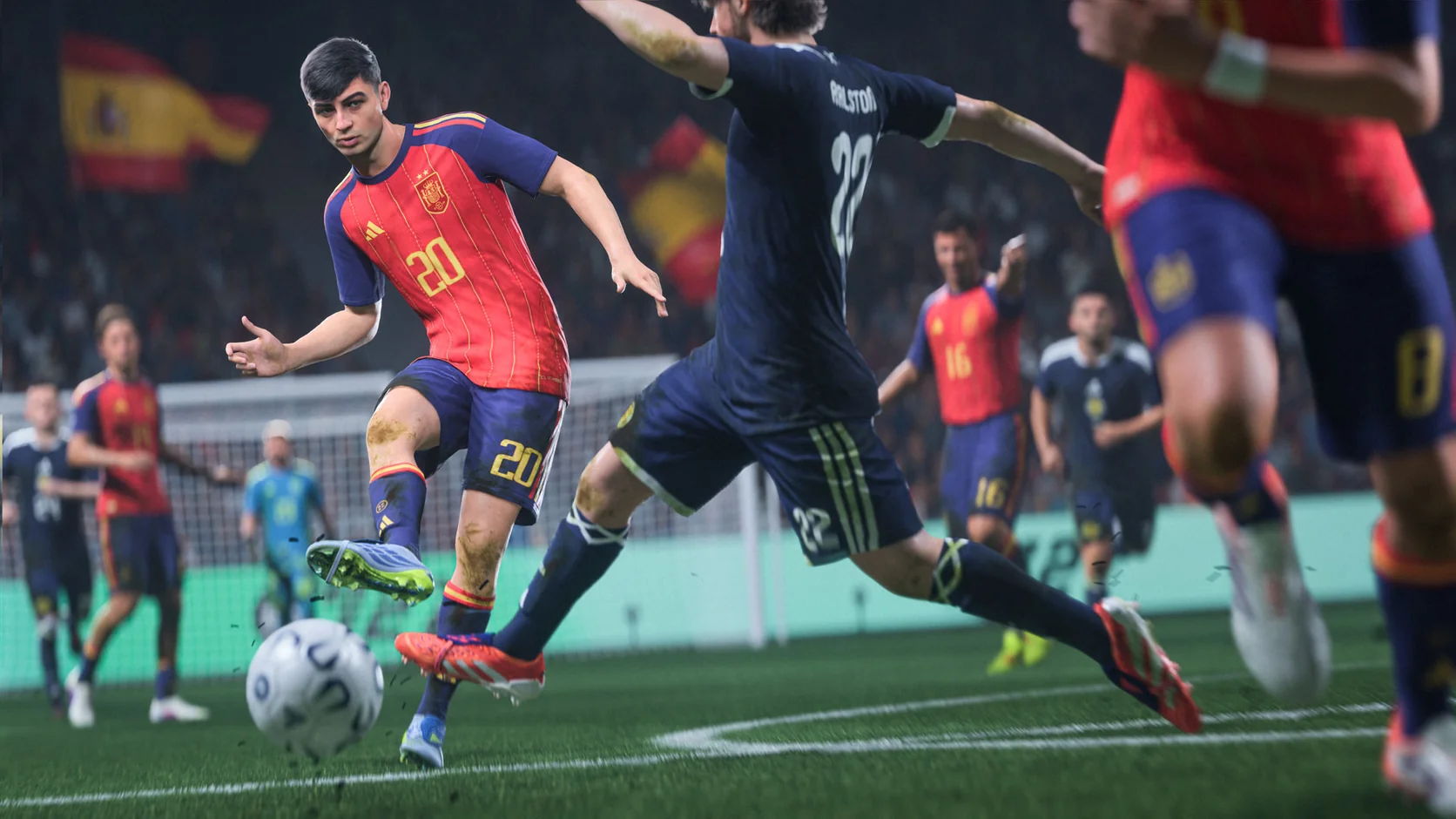
Crowds, shadows, lighting, and pitch detail all share the graphics budget with the action.
EA Sports FC 27 FPS booster
A dropped frame can interrupt the pass you saw coming. Boost FC 27 performance with Hone, cut background load, and give your PC more room for the full match. Download Hone and start free.
You've heard from the pros. Here's what other players think.
01
A busy stadium, close camera shot, or sudden transition can expose a struggling PC. Get performance ready before kickoff so you can concentrate on the next move.
Crowds, shadows, lighting, and pitch detail all share the graphics budget with the action.
Average FPS tells part of the story. Slower frames can make camera movement and quick changes of direction look choppy.
Browsers, launchers, recording tools, and updates can use resources while the match is running.
A smooth picture cannot fix a poor connection. Check ping and packet loss when commands arrive late.
02
Bring Windows, GPU, and game optimization into one app. Spend less time working through manual fixes and more time playing FC 27.
Apply Hone’s gaming optimizations before you launch FC 27.
Reduce unnecessary app activity that takes processor time and memory from the match.
Optimize your setup for the frame rate you want to play at.
Play the same sequence before and after Hone, then compare both average FPS and the slower frames.
03
Hone puts PC optimization in one place so you can get back on the pitch. Your controls, team decisions, and match results stay yours.
Hone adds no macros, bots, or tools that pass, defend, or take shots for you.
Hone does not inject into FC 27 or change live game memory.
Hone cannot control EA servers, distance, Wi-Fi quality, or your internet provider’s route.
04
Average FPS: 111.6 without Hone → 174.1 with Hone. 1% low average: 92.5 → 107.1 FPS.
Test PC: 1920×1080 · Intel Core i5-12400F · GeForce RTX 3050 8 GB · 32 GB DDR4-3600.
Results vary by PC, scene and game version.
Average FPS increased from 111.6 without Hone to 174.1 with Hone, a 56.0% gain. The 1% low average rose from 92.5 to 107.1 FPS. Results vary by PC and scene.
Close heavy background apps, update your graphics driver, and compare a frame-rate target your PC can sustain. Hone brings PC performance optimizations together before you launch the game.
Hone can reduce background load on your PC. Server performance, packet loss, Wi-Fi, and network routing need a separate connection check.
Yes. Start with the free plan and try its included optimizations before deciding whether to upgrade.