Busy raids raise PC load
AI, players, effects, and debris can give the CPU and graphics card more work at the same time.
Escape from Tarkov FPS boost and PC optimization
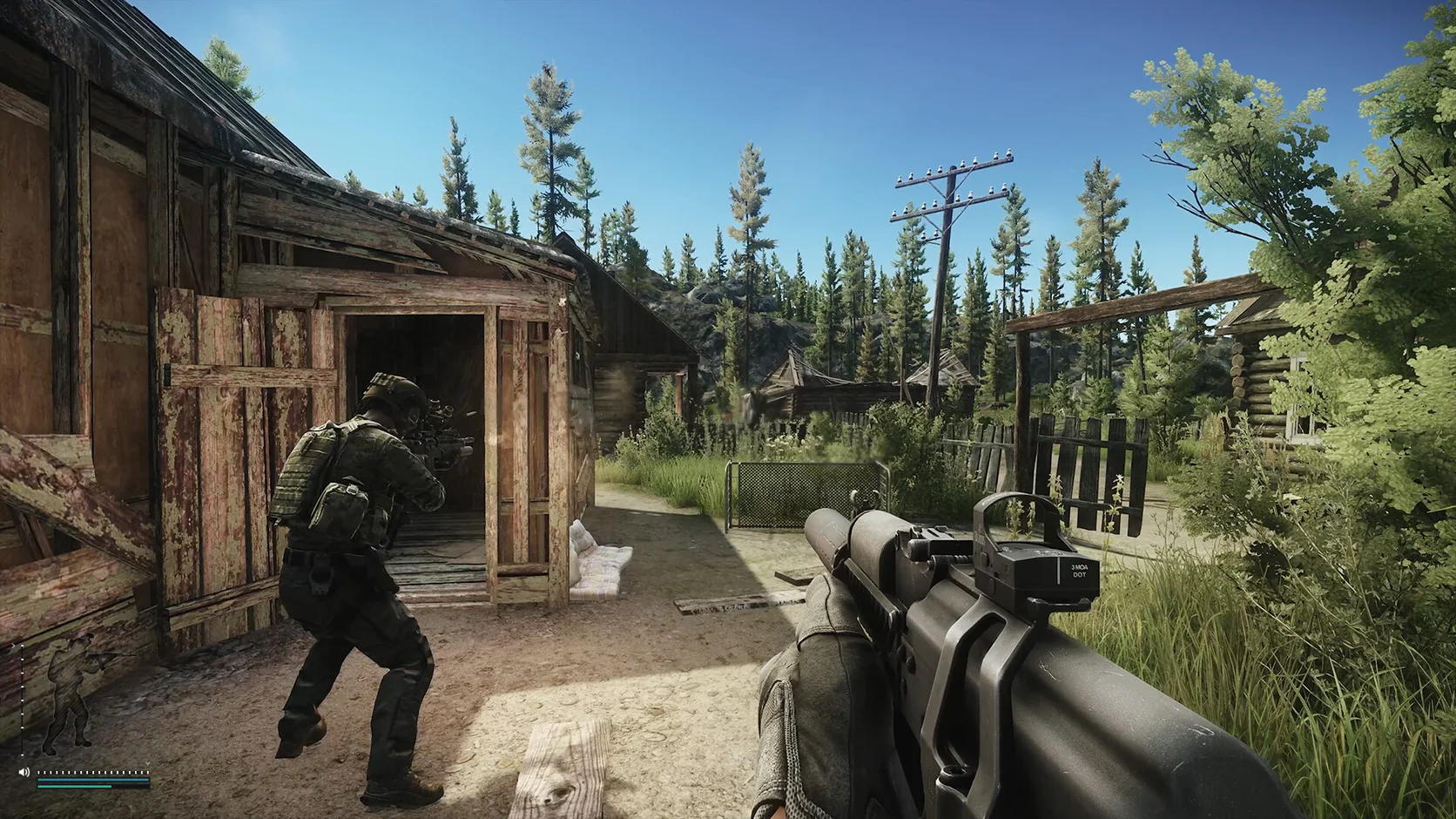
Large maps, long views, and busy fights can hit your PC at once. Hone cuts avoidable Windows load so more of your system stays ready for Escape from Tarkov.
You've heard from the pros. Here's what other players think.
01
A raid can move from a quiet tunnel to a large fight in seconds. That sudden jump can expose limits in your CPU, graphics card, memory, or open apps.
AI, players, effects, and debris can give the CPU and graphics card more work at the same time.
Open areas can keep more terrain, shadows, objects, and effects on screen.
A new game build or driver can change shader work and make the first few runs feel rough.
Browsers, launchers, clips, and overlays can use CPU time and memory that the game needs.
02
Hone helps reduce avoidable PC-side activity. You can then tune the game settings that matter most for your hardware.
Reduce unneeded app work so more CPU time and memory stay free for the game.
Review gaming, power, and system changes that may help frame time and input response.
Test shadows, effects, view distance, and upscaling before lowering every setting.
See what Hone changes and restore supported settings if a setup does not suit your PC.
03
Hone works through supported Windows settings. It stays outside Escape from Tarkov and keeps live game code, memory, and network packets alone.
Hone does not inject into Escape from Tarkov or read and change live game memory.
Hone does not add aim help, scripts, macros, bots, or tools that play for you.
Hone does not hide software or try to get around the game anti-cheat.
Hone cannot fix a distant server, weak Wi-Fi, packet loss, or an ISP route.
04
Escape from Tarkov runs differently on every setup. Use one short test before and after Hone so you can keep only the changes that help.
No fixed FPS promise. Results depend on your hardware, game build, drivers, heat, settings, and background apps.
Pick one area you can repeat. Note your FPS, frame spikes, graphics preset, and open apps.
Review each change, apply the ones you want, and restart if Hone asks you to.
Use the same preset and route when you can. Keep gains you can see and restore changes that do not help.
Start with shadows, effects, view distance, and upscaling. Change one group at a time. Keep textures clear if your graphics memory can handle them.
Close heavy apps, check PC heat, update your graphics driver, and test lower shadows or effects. A new build may also need time to finish shader work.
The current Steam page lists 16 GB RAM as the minimum and 64 GB as recommended. Leave extra room for Windows and other open apps.
The current Steam page lists 80 GB of free space for both the minimum and recommended setup.
Hone can reduce PC-side load that feels like lag. It cannot repair game servers, packet loss, weak Wi-Fi, or ISP routing.
Hone works outside the game. It does not inject into Escape from Tarkov, edit live memory, change packets, add cheats, or bypass anti-cheat. Hone is not made or approved by Battlestate Games.
Yes. The free plan lets you try several PC optimizations before you upgrade.