Hot drops
Cut background services that wake up while crowded POIs push your PC.
You've heard from the pros. Here's what other players think.
01
Hot drops, box fights, and stacked endgames expose background apps, overlays, FPS drops, and ping spikes.
Cut background services that wake up while crowded POIs push your PC.
Lower system delay so edits, resets, and shotgun swaps respond sooner.
Keep frame pacing steadier as builds, particles, and players fill the screen.
Launchers, overlays, updaters, and idle apps can pull CPU time from the match.
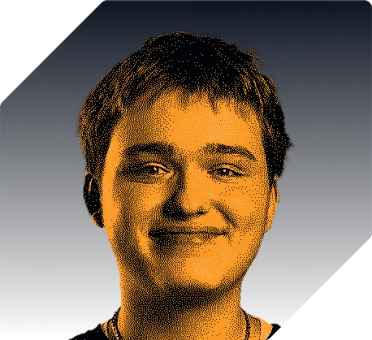
“Well, thanks to my good friends at hone, my game is fully optimized, which I need in order to hang.”
Higgs
Fortnite Player for XSET
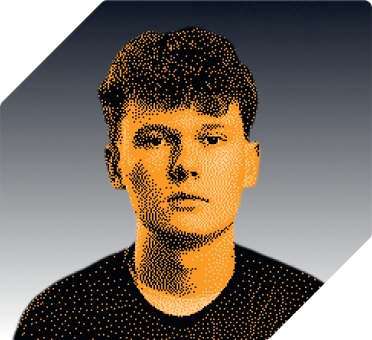
“Improved my end-game in Fortnite with up to 45% FPS increase and reduced the input lag.”
Eomzo
Fortnite Player for Elite Esports
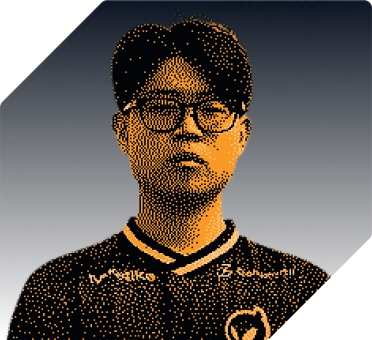
“One of my favorites is the gaming optimization toggle. It instantly applies the best settings for smoother gameplay.”
Khanada
Fortnite Player for Dignitas
03
Hone tunes Windows so Fortnite gets more room for input, frames, and network traffic.
Close extra startup tasks so Fortnite has more PC resources for the next fight.
Tune system settings that can delay mouse and keyboard actions.
Smooth uneven frame delivery so high FPS feels stable in real fights.
Reduce background traffic that can add PC-side ping spikes. Server load, Wi-Fi, distance, and ISP routing still set the baseline.
04
Hone stays in Windows and avoids Fortnite and Easy Anti-Cheat processes. It leaves game files and memory alone.
Hone avoids the Fortnite process and leaves game memory unread and unchanged.
Hone optimizations leave your Fortnite install and Easy Anti-Cheat files untouched.
Hone adds no aim, edit, build, recoil, or input macros.
05
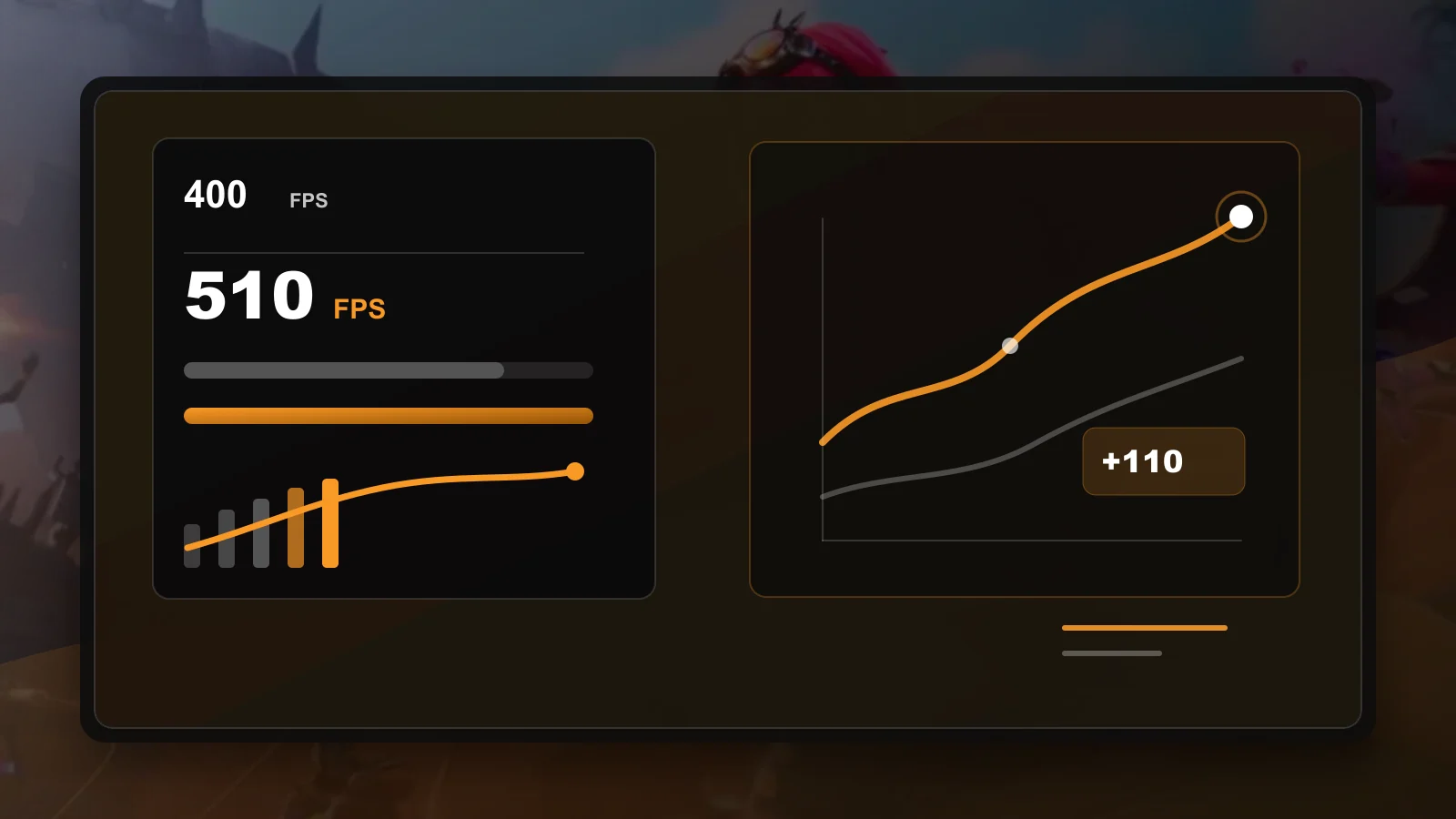
Hone took this high-end Fortnite test PC from 400 to 510 average FPS.
Test system: Intel 10900K (5.5 GHz AC), RTX 4090 (stock), 16 GB DDR4 RAM (18-18-18-24-4000 MHz).
Your PC will vary by hardware, Fortnite settings, drivers, thermals, and background apps.
Extra headroom helps edits, shots, and turns feel steadier during crowded builds and endgame fights.
06
Hone works in Windows and system settings. It leaves Fortnite memory, packet contents, and game files alone.
Hone focuses on PC settings, background load, and system behavior around the game.
Hone adds no memory injection, game-file patches, aim macros, edit macros, or build macros.
Yes. Hone applies system-level optimizations and leaves Fortnite memory and game files alone.
Yes. Use the free plan to test the Fortnite profile. It limits the number of tweaks you can apply. You can upgrade later if you want more.
Hone cuts extra background work and tunes Windows for games. This can help frames arrive at a steadier pace.
Hone can cut extra network traffic and Windows tasks that add to ping spikes. It cannot change Fortnite server load, Wi-Fi, distance, or the route from your internet provider.
You choose the Fortnite setting tips to follow. The main Hone tweaks work in Windows around the game.