Hero powers stack on screen
Several ultimates, particles, players, and damaged cover may need to render in one frame.
Marvel Rivals FPS boost and PC optimization
Twelve heroes can fill one fight with powers, portals, and broken cover. Hone reduces extra Windows work so your PC has more room for the next team push.
You've heard from the pros. Here's what other players think.
01
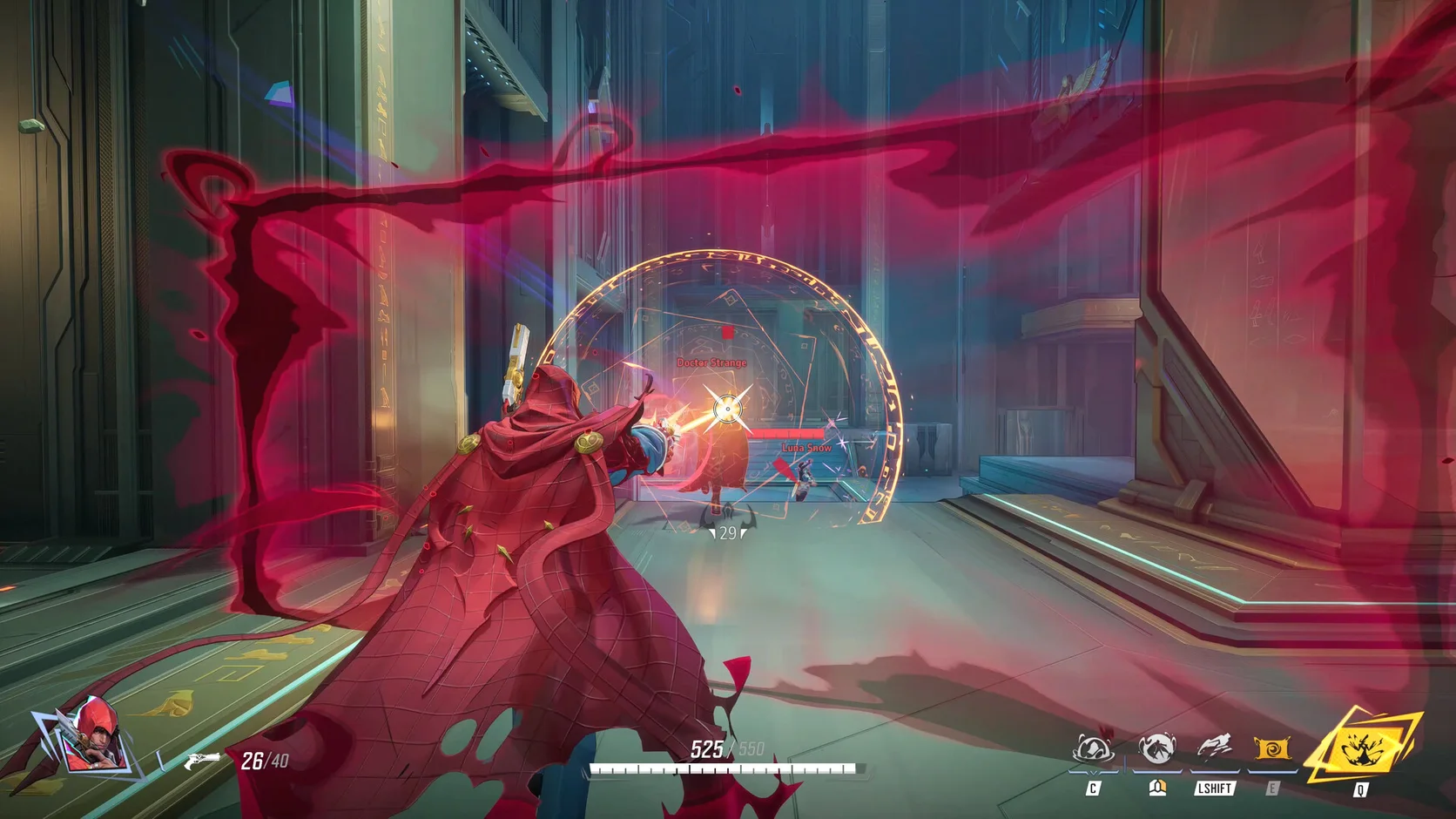
Marvel Rivals gets hardest to run when both teams use powers at once. Hero effects, moving portals, and destructible cover can make a calm lane much heavier.
Several ultimates, particles, players, and damaged cover may need to render in one frame.
High shadows and effects may seem fine alone, then slow down when twelve heroes meet.
A season patch, map, hero effect, or driver may shift frame time and shader work.
A browser, clip recorder, launcher, or overlay can use CPU time and memory during a match.
02
First make room in Windows. Then test Marvel Rivals options during a full team fight, where frame-time problems are easier to see.
Reduce app work you do not need so the match can use more CPU time and memory.
Read the gaming, power, and system changes before you apply them to this PC.
Test effects, shadows, lighting, and render scale before cutting the whole preset.
Pick a frame limit the PC can hold when powers fill the screen, not only in the spawn room.
03
Hone works on supported Windows settings. It does not enter the match or alter game code, live memory, controls, or packets.
Hone does not inject into Marvel Rivals or read and change live game memory.
Hone adds no aim tool, combo script, macro, bot, or input that plays a hero for you.
Hone does not hide software or work around Marvel Rivals security checks.
Server distance, poor Wi-Fi, lost packets, and ISP routing still set the network floor.
04
Start with a repeatable Practice Range check, then watch one real team fight. Use the same hero and graphics preset before and after Hone.
No fixed FPS promise. Results depend on your hardware, game build, drivers, heat, settings, and background apps.
Pick a repeatable power sequence. Note FPS, frame spikes, the graphics preset, and open apps.
Read the list, choose the changes you want, and restart when Hone asks you to.
Keep the hero, preset, and open apps the same. Keep clear gains and restore supported changes that do not help.
Start with effects, shadows, lighting, and render scale. Change one group, then check a crowded team fight with the same hero.
Close heavy apps, lower effect-heavy options, and set a cap the PC can hold in team fights. Hone can reduce extra Windows work too.
Check FPS beside the network graph. If ping stays flat while frames fall, the cause is likely PC load. Lower effects and close busy apps first.
A season patch may reset graphics or rebuild shaders. Confirm the preset, restart, and repeat the same hero test before changing more.
Hone works outside the game. It does not inject into Marvel Rivals, edit live memory, automate input, change packets, or bypass anti-cheat. Hone is not made or approved by NetEase Games or Marvel.
Yes. The free plan lets you test a limited set of PC changes with Marvel Rivals before you choose Premium.