Busy fights push the CPU
Players, sound, physics, and map data can make the processor handle far more work at once.
Call of Duty: Warzone PC performance
Prepare your PC for Warzone with Hone. Review its game and Windows settings, then test a squad push. Watch for FPS drops during smoke, slides, and fast turns.
You've heard from the pros. Here's what other players think.
01
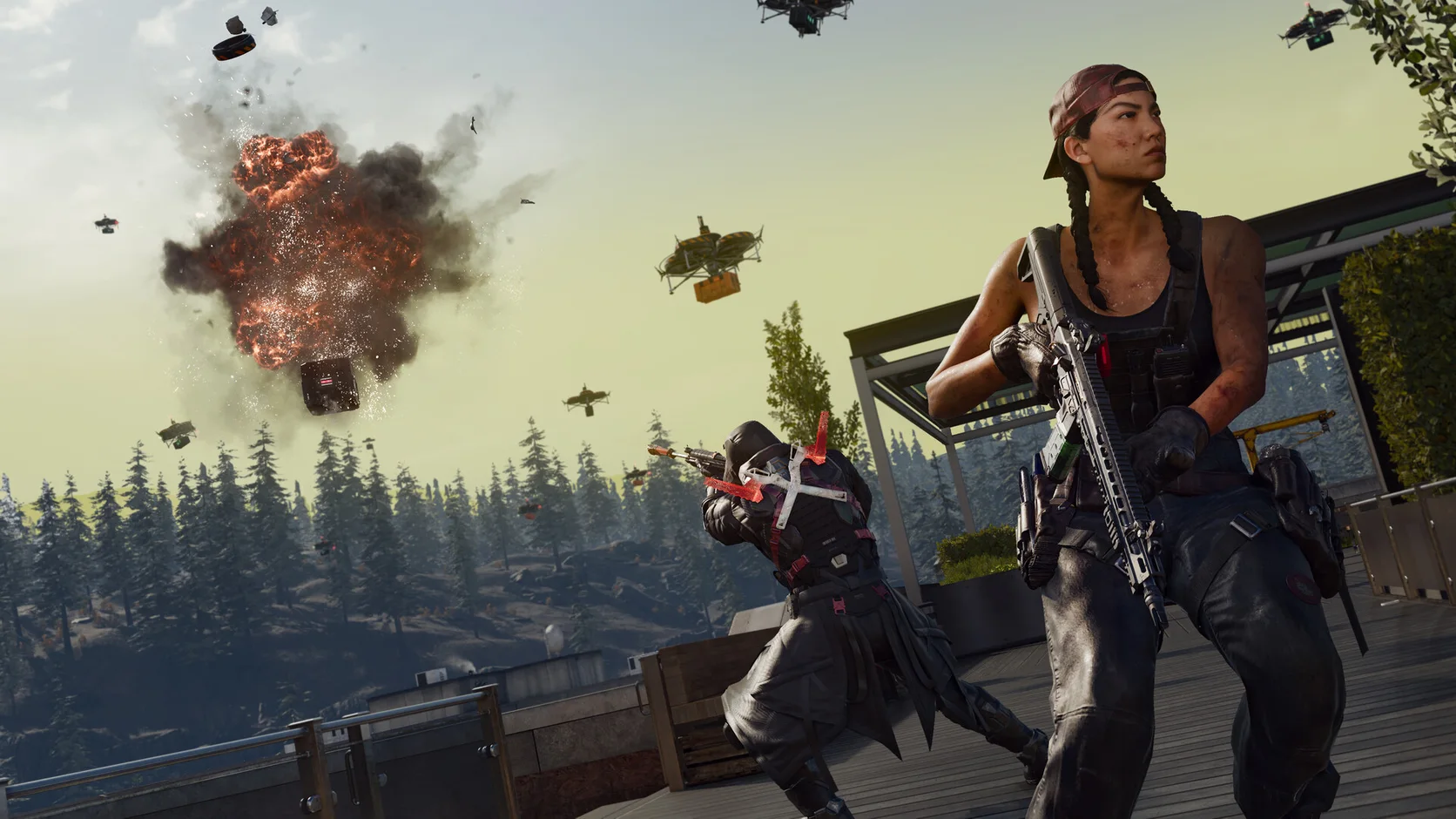
Warzone can go from a quiet roof to smoke, gunfire, and a full squad push in seconds. The load jumps while Windows and other apps still compete for your PC.
Players, sound, physics, and map data can make the processor handle far more work at once.
Shadows, particles, and long views can pull FPS down when you need a clean sight line.
Browsers, launchers, overlays, and updates can use the same CPU, memory, and network as Warzone.
A short frame-time spike can make a fast turn, slide, or close fight feel late.
02
Open Warzone in Hone to see the supported tweaks for your PC. Choose what to apply. Use a match to check whether the new setup holds up when your squad pushes.
Apply supported game settings built to favor clear views and steady FPS.
Reduce background work and tune system settings that can affect FPS and frame time.
Cut unneeded app traffic so downloads and updates do less work while you play.
See every change, choose what to apply, and restore the settings later.
03
Warzone uses RICOCHET Anti-Cheat. Hone changes opt-in game and Windows settings. It does not enter the Warzone process or automate play.
Hone does not add aim tools, automated inputs, recoil control, or an FPS boost mod.
Hone does not inject into Warzone or read and change live game memory.
Hone does not disable RICOCHET, skip security checks, or promise anti-cheat approval.
Match load, game patches, heat, weak hardware, Wi-Fi, and server distance can still limit FPS or ping.
04
On our test PC, Hone raised Warzone from 150 to 200 average FPS. That is 50 more average FPS, or a 33% gain in this test.
Tested using Intel 10900k (5.5 GHz AC), RTX 4090 (stock), 16 GB DDR4 RAM (18-18-18-24-4000 MHz) - Results may vary.
Your result will depend on the mode, map, match, game patch, PC, graphics settings, drivers, heat, and apps open in the background.
Lower shadows, particle quality, and other heavy effects first. Set texture quality to a level your graphics memory can hold. Hone puts supported Warzone and Windows settings in one place.
Lower the heaviest graphics settings, close apps you do not need, and keep your graphics driver current. Hone can apply supported Warzone and Windows FPS tweaks in one click.
Close heavy background apps, use settings your PC can hold, and check for heat or graphics-memory limits. Hone can reduce PC-side load and apply a cleaner performance setup.
Hone can reduce some background traffic and tune network settings on your PC. It cannot shorten the distance to the server or fix weak Wi-Fi.
Hone works at the supported game-settings and Windows level. It does not inject into Warzone, edit live game memory, add cheats, use recoil scripts, or automate play.
Yes. The free plan lets you try several performance optimizations before you upgrade.