Hone provides you the tools to achieve ultimate gameplay, boost FPS by rescuing your PC from bloated software.
Your download will start automatically.
Run installer and wait for it to finish.
Open Hone and authenticate through browser.
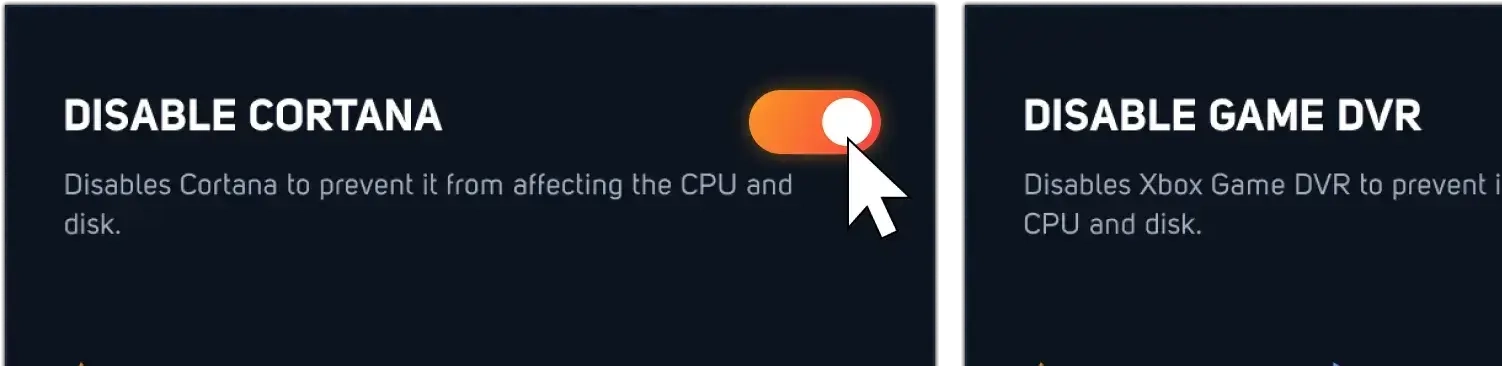
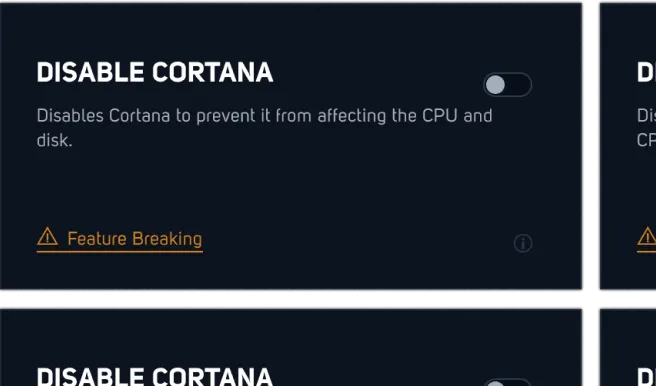
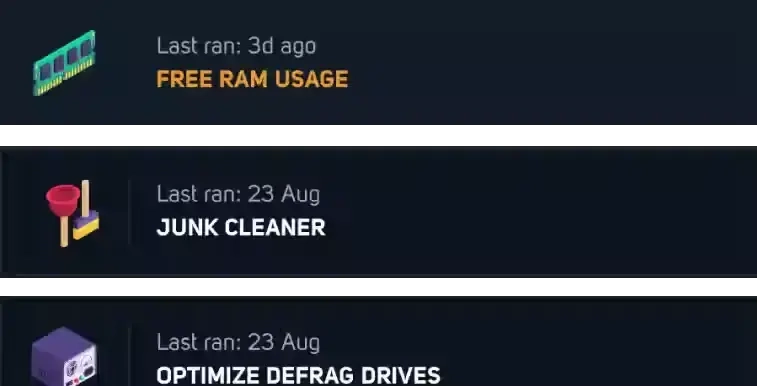
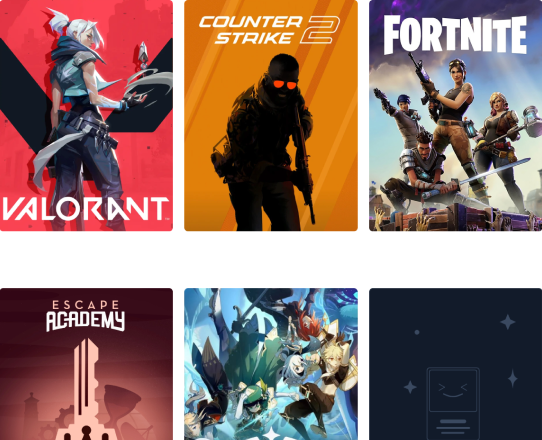
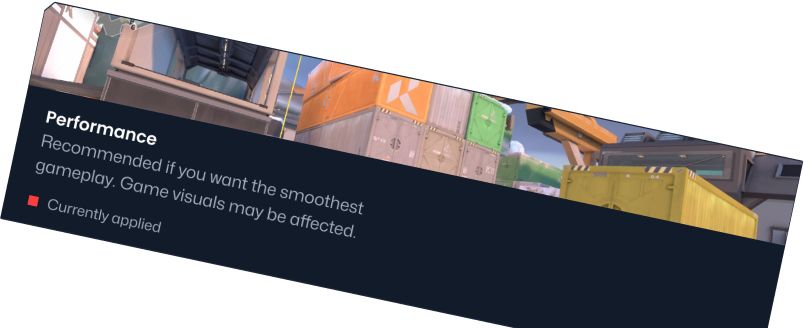





I’ve been using this for a few months now and these optimisations are crazy, I play Fortnite allot on a crappy laptop and averaged around 30 fps, now thanks to them I’ve gotten up to 120 which is amazing, there are lots of optimisations to choose from, and you can get 5 free internal ones aswell, sadly after you have to pay for those ones. Overall I recommend this to everyone that plays Fortnite on pc/laptop as it helps allot
Absolutely thrilled with Hone. Not only did it boost my FPS significantly, but it also streamlined my system, making everything run smoother and faster. Easy to use interface, effective results, and overall, a must-have for any gamer or PC enthusiast. Highly recommend!
I'm able to run games like Red Dead Redemption on max settings at 144+ FPS consistently, I even went put a max on it so that it won't go too much over. Overall, my Windows has gotten much smoother as well, def worth a try. Can't wait to see what they'll come up with in the future!
I've been using Hone for a very long time (since Honectrl first came out) and I can say with certainty that this is one of, if not the best optimizer on the market. There is a ton of optimization variety, all and every of which are fully described and have tags for full transparency, Johnathan and the staff are amazing people (seriously, can't thank these guys enough for going above and beyond when I needed help), and the premium is dirt cheap. Easily a solid 10/10, would absolutely recommend.
I was using Hone when my pc was bad.Before Hone i was getting around 120 130 fps in game when i started using Hone with all the free optimization i started getting 220+ fps my main game was Fortnite. When i get my new pc i keept using it because i know hone helps ur pc so if u read this go and Install Hone.The best app for optimizations!
I love this app so much it helps me a lot with fps because I have a potato pc that is very laggyI was having about 20 fps on Fortnite on performance mode until I used it and it grew my fps to 120!
Hone is the ultimate tool for taking your gaming experience to new heights by optimizing your computer's performance. This innovative program fine-tunes your system settings automatically based on what your favorite games require, thus ensuring that you play every time at peak performance. Whether you are a casual gamer who occasionally plays or an ardent aficionado who spends hours lost in virtual worlds, Hone has something for everyone.
Consequently, smoother gameplay, increased frame rates, and a better overall gaming environment no longer require manual adjustment on the player’s part. Say goodbye to lagging, choppiness, and other debilitating performance problems for good. Hone allows you to concentrate on what matters—playing your games as best as possible—while our smart software is unceasingly active in the background so that one’s system is utilized to the maximum.
Free Plan:
- Optimizations: 10 optimizations
- System Cleanup: Basic PC cleanup
- Game Enhancements: Some game-specific settings
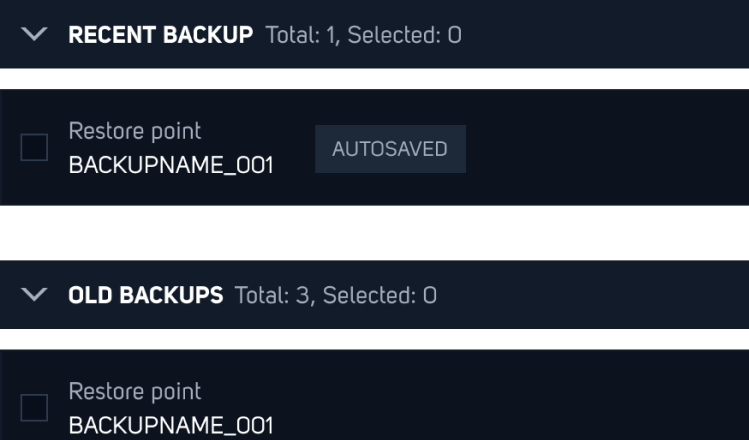
- Backup Management: Basic backup features
Premium Plan:
- Tweaks: No limits on tweaks
- PC Cleanup: Top-notch computer cleaner
- Game Boosts: Complete game-specific options
- BIOS Settings: Control over advanced BIOS options
- Help: Round-the-clock priority assistance
- Expert Options: In-depth customization choices
Follow these simple instructions to download the best PC optimization software to enhance your gaming experience.
How to Get Hone: A Step-by-Step Guide:
1. Pick Your Plan: Decide between the Free or Premium option.
2. Press Download: Click the download button for the plan you want.
3. Store the File: Store the installer file on your PC.
4. Launch the Installer: Start the installation by opening the file you downloaded.
5. Go Through Steps: Complete the installation by following the directions on your screen.
Once you download the installer, follow the instructions to install Hone on your system.
How to Install Hone on Windows:
1. Start the Installer: Locate and double-click the installer file to kick off the setup.
2. Go Through Steps: Just follow the on-screen prompts to install Hone.
3. Wrap It Up: Hit 'Finish' when it's done. Hone will start up on its own.
Quick-Start Tips:
- Launch Hone: Start Hone from your desktop or applications folder.
- Run One-Click Optimization: Boost your system with the one-click optimization feature.
- Adjust Settings: Check out game-specific settings to customize how you play.
- Tidy Up Your System: Run the system cleanup tool to eliminate unnecessary files and improve your computer's performance.
- Keep an Eye on Performance: Look at how your system works to ensure it's set up just right for gaming.
Hone is the ultimate tool for taking your gaming experience to new heights by optimizing your computer's performance. This innovative program fine-tunes your system settings automatically based on what your favorite games require, thus ensuring that you play every time at peak performance. Whether you are a casual gamer who occasionally plays or an ardent aficionado who spends hours lost in virtual worlds, Hone has something for everyone.
Consequently, smoother gameplay, increased frame rates, and a better overall gaming environment no longer require manual adjustment on the player’s part. Say goodbye to lagging, choppiness, and other debilitating performance problems for good. Hone allows you to concentrate on what matters—playing your games as best as possible—while our smart software is unceasingly active in the background so that one’s system is utilized to the maximum.
Free Plan:
- Optimizations: 10 optimizations
- System Cleanup: Basic PC cleanup
- Game Enhancements: Some game-specific settings
- Backup Management: Basic backup features
Premium Plan:
- Tweaks: No limits on tweaks
- PC Cleanup: Top-notch computer cleaner
- Game Boosts: Complete game-specific options
- BIOS Settings: Control over advanced BIOS options
- Help: Round-the-clock priority assistance
- Expert Options: In-depth customization choices
Follow these simple instructions to download the best PC optimization software to enhance your gaming experience.
How to Get Hone: A Step-by-Step Guide:
1. Pick Your Plan: Decide between the Free or Premium option.
2. Press Download: Click the download button for the plan you want.
3. Store the File: Store the installer file on your PC.
4. Launch the Installer: Start the installation by opening the file you downloaded.
5. Go Through Steps: Complete the installation by following the directions on your screen.
Once you download the installer, follow the instructions to install Hone on your system.
How to Install Hone on Windows:
1. Start the Installer: Locate and double-click the installer file to kick off the setup.
2. Go Through Steps: Just follow the on-screen prompts to install Hone.
3. Wrap It Up: Hit 'Finish' when it's done. Hone will start up on its own.
Quick-Start Tips:
- Launch Hone: Start Hone from your desktop or applications folder.
- Run One-Click Optimization: Boost your system with the one-click optimization feature.
- Adjust Settings: Check out game-specific settings to customize how you play.
- Tidy Up Your System: Run the system cleanup tool to eliminate unnecessary files and improve your computer's performance.
- Keep an Eye on Performance: Look at how your system works to ensure it's set up just right for gaming.