


How Hone Game Mode Works
Hone manages background applications and services, adjusts how Windows assigns work to your hardware, and applies the performance settings you've chosen.
Read paperHone Research
Researching what makes PCs and games feel faster.
Hone manages background applications and services, adjusts how Windows assigns work to your hardware, and applies the performance settings you've chosen.
Read paper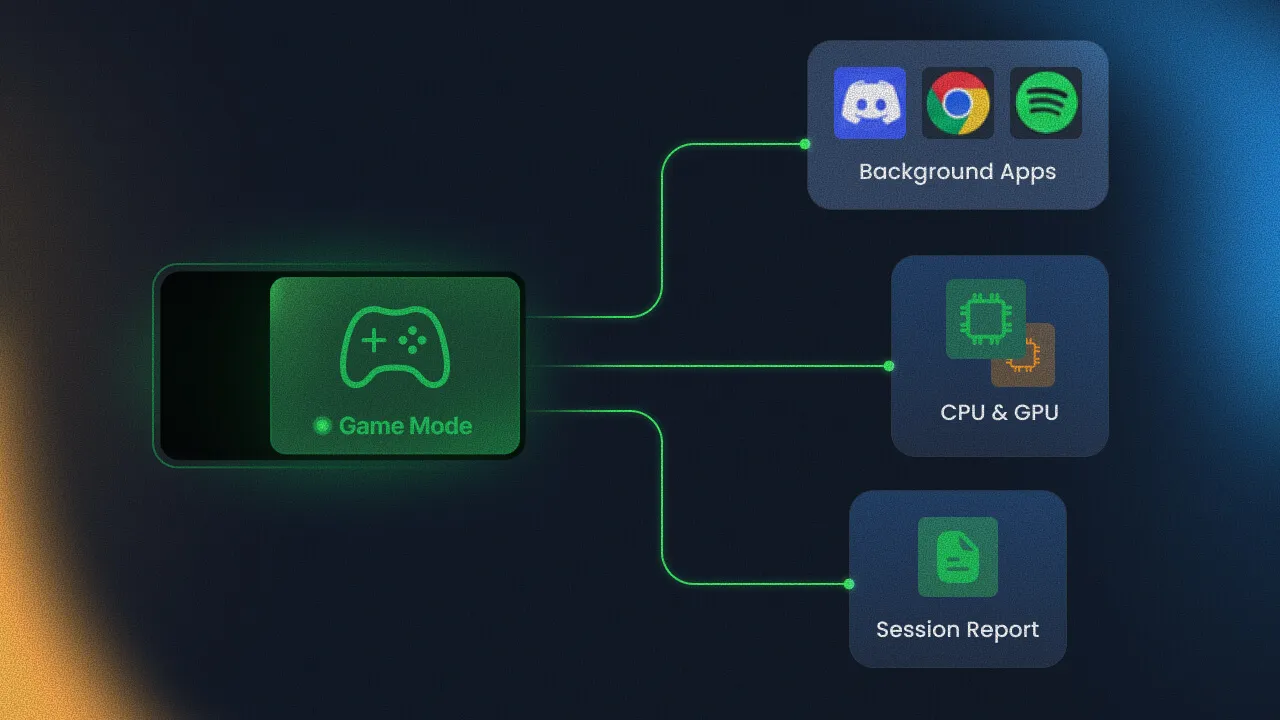
Performance science
Repeatable tests that separate measurable gains from noise.
How frame delivery and system delay shape the feel of play.
Evidence-led changes across Windows, hardware, and game configuration.
Method
State the player problem and the mechanism worth testing.
Control the comparison so one variable changes at a time.
Use the metric that matches the tweak and compare repeated runs.
Keep, change, or reject the work based on benefit, risk, and scope.
Publication standard
A result belongs in Hone Research only when the method, limits, and evidence can be inspected.
Read how Hone evaluates a tweakPublication index
Hone manages background applications and services, adjusts how Windows assigns work to your hardware, and applies the performance settings you've chosen.
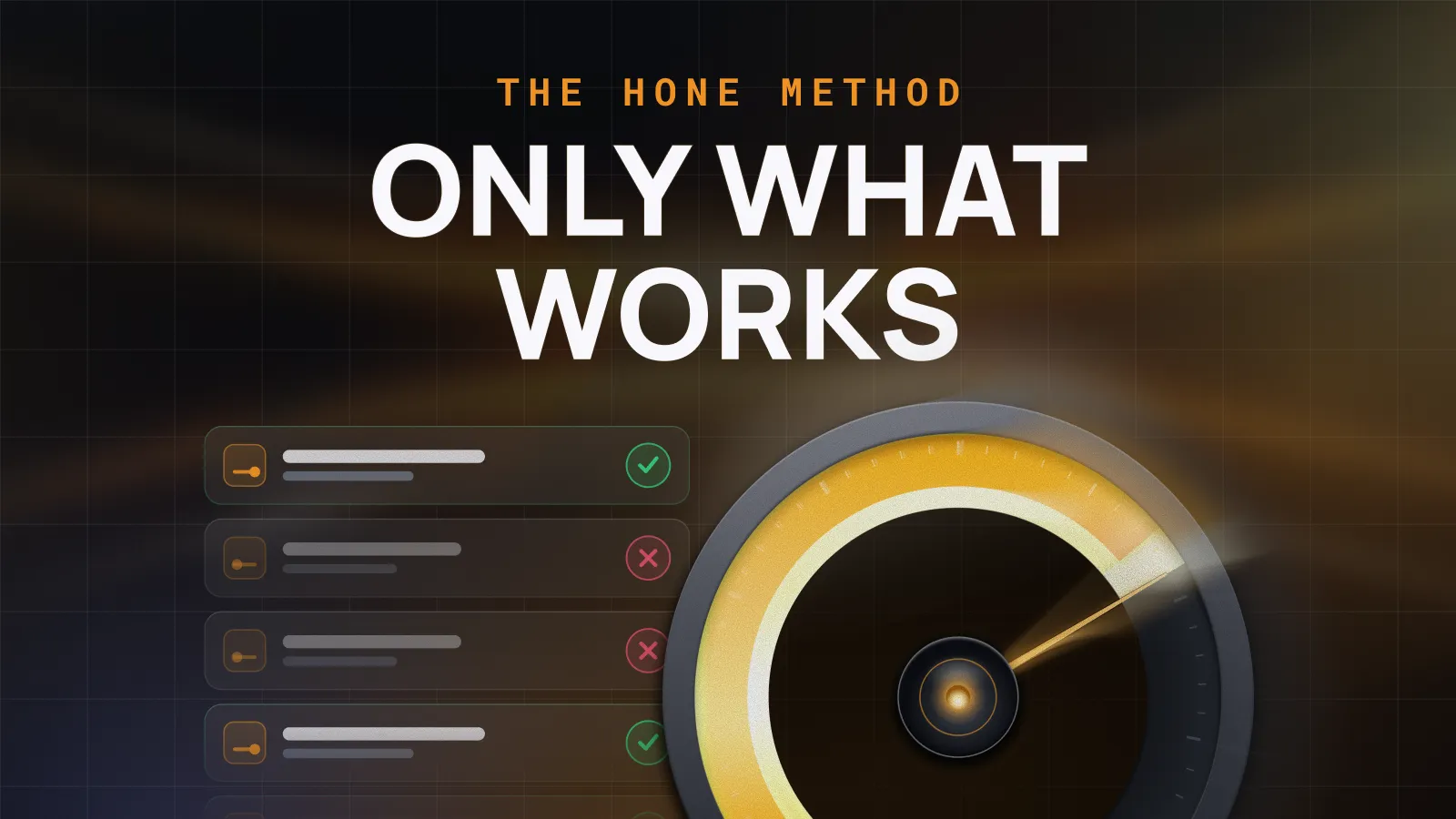
How Hone researches, tests, and approves optimizations without assuming every tweak improves every PC.
No papers match this search and topic.
Prefer our PC performance guides and research? Add Hone to your preferred sources in Google Search.