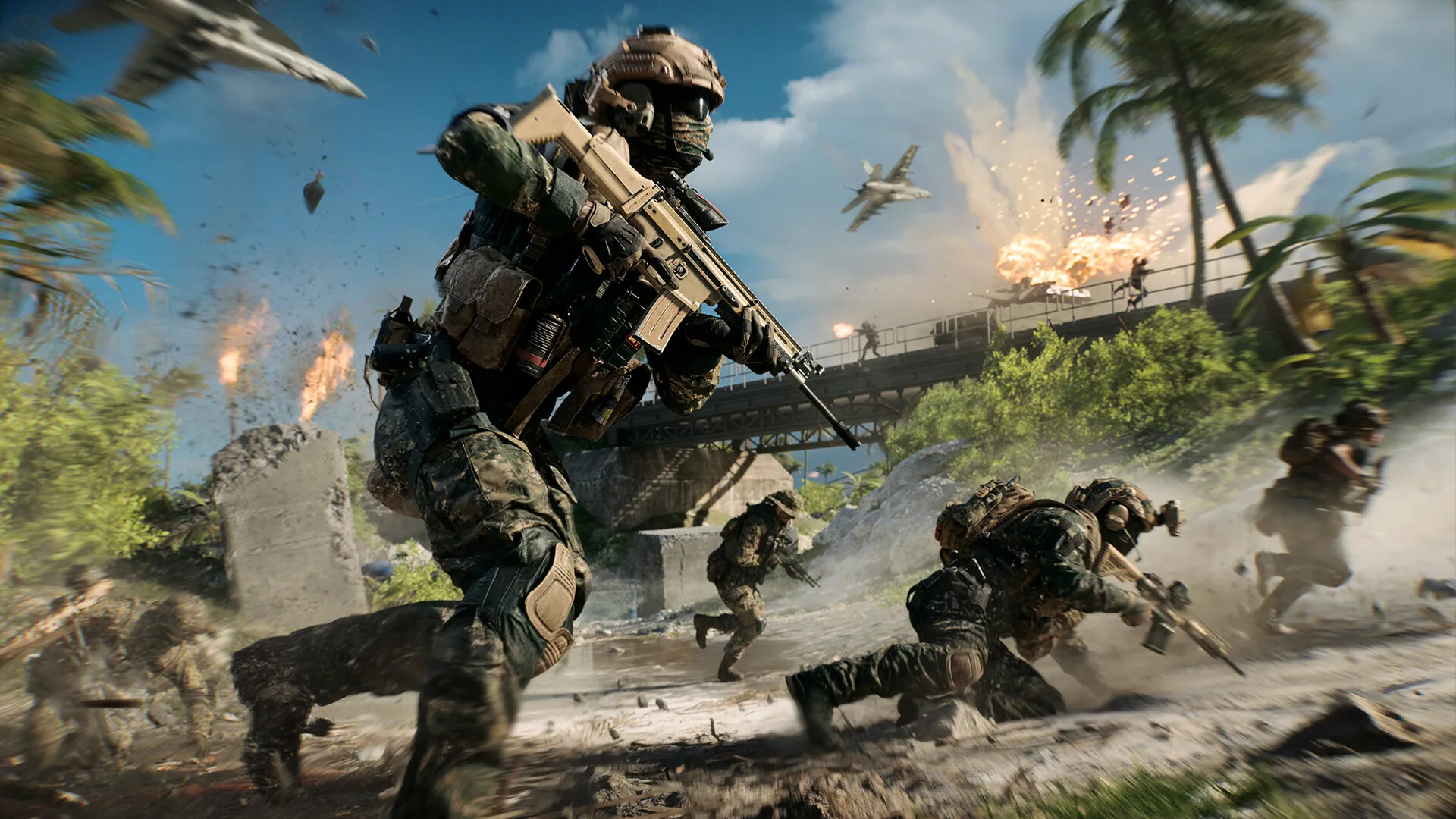
Low FPS in big fights
Smoke, destruction, vehicles, and packed objectives can push your CPU and GPU hard.
01
Low FPS can start outside the game. Busy applications, launchers, overlays, and Windows tasks can use the same power Battlefield 6 needs.
Smoke, destruction, vehicles, and packed objectives can push your CPU and GPU hard.
A quick system slowdown can throw off your aim when each shot counts.
Downloads and background applications can use your bandwidth while you play.
One change may help one PC and hurt another. Hone gives you a simple starting point.
03
Pick Battlefield 6, apply the performance profile, and play. Hone handles focused Windows tweaks while your game settings stay under your control.
Cut background activity that fights Battlefield 6 for system resources.
Reduce system interruptions that can cause FPS drops and stutters.
Stop unneeded application traffic from adding lag on your PC.
04
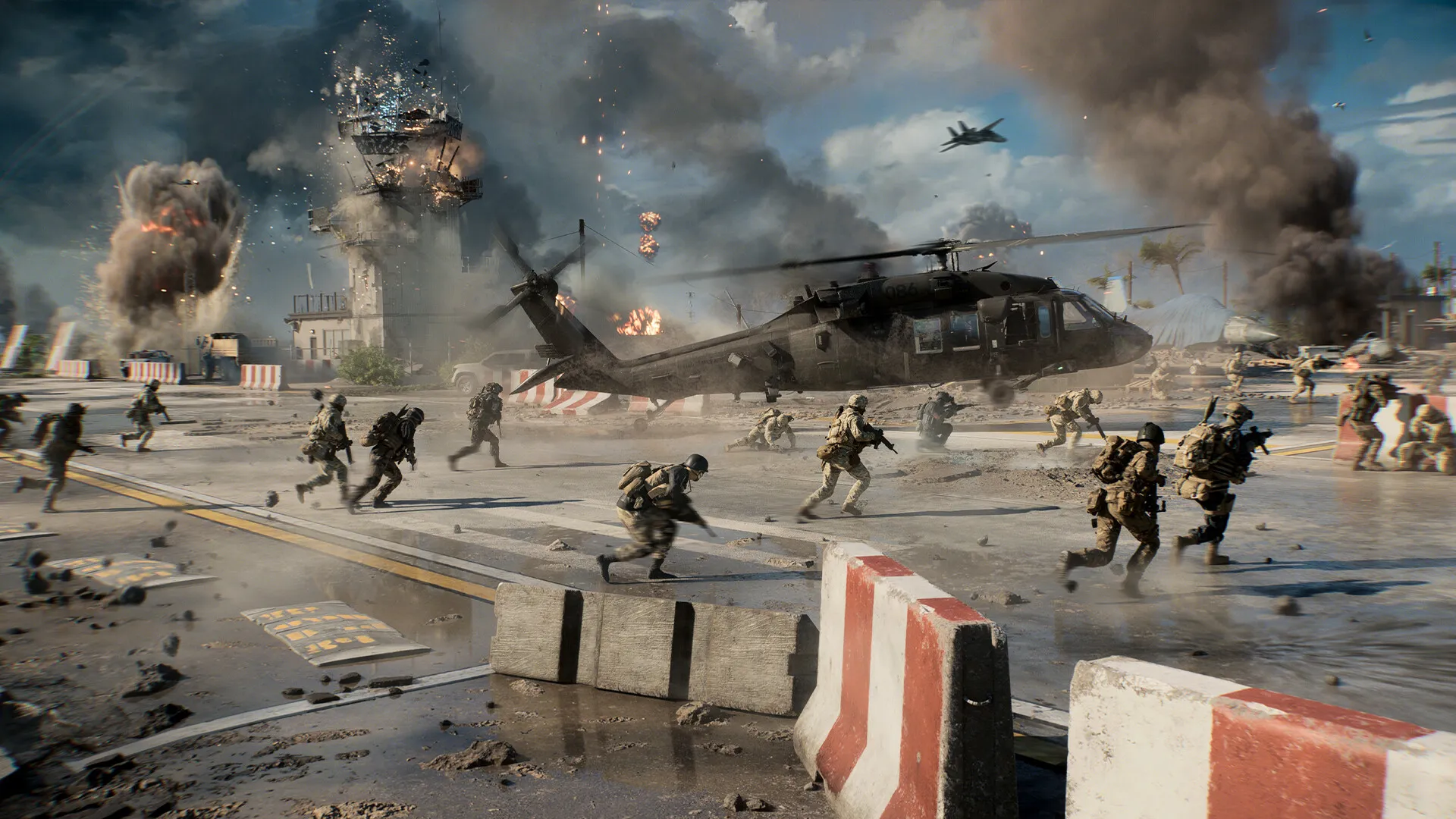
Hone works around the game. It does not read or change game memory, edit packets, or touch your Battlefield 6 files.
Hone leaves your graphics, controls, and config files alone. You choose each game setting yourself.
Hone adds no aim tools, scripts, bots, or automated actions.
Server load, Wi-Fi, distance, heat, and weak hardware can still hold your PC back.
05
On our test PC, Hone raised Battlefield 6 from 134 to 166 average FPS. That is a 24% gain.
Tested using Intel 10900k (5.5 GHz AC), RTX 4090 (stock), 16 GB DDR4 RAM (18-18-18-24-4000 MHz) - Results may vary.
Your result will depend on your PC, game settings, drivers, heat, and the apps open in the background.
Start with settings that fit your GPU. Turn off effects you do not need, update your drivers, and close background applications. Hone handles the Windows side in one click.
Hone can cut Windows background load and tune performance settings. It cannot replace a faster CPU or GPU. Results will vary by computer.
Hone can cut background traffic on your PC. It cannot control game servers, Wi-Fi, distance, or your internet route.
No. The main profile works in Windows and leaves your game settings and files alone. You choose any game changes.
Yes. The free plan lets you try several performance optimizations before you upgrade.